Spanish Vocabulary App for Beginners
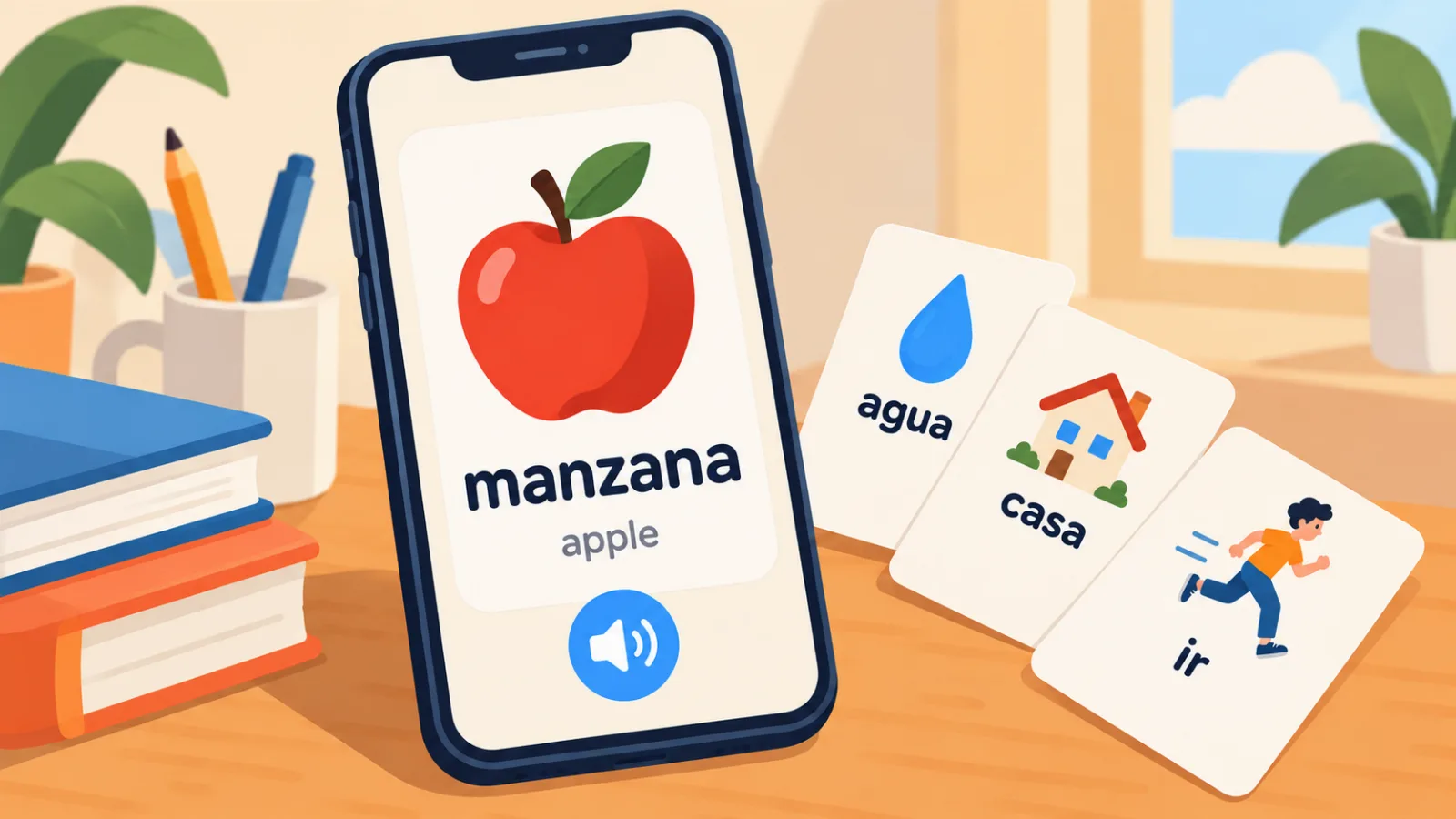
A beginner needs something different from an app than someone with a thousand Spanish words behind them. The experienced learner wants to grab a word from a series quickly and not lose it. The beginner has nothing to grab yet: they cannot follow a series, they will not open a book, and the words they need most are words they do not know exist. That is why most advice on choosing an app does not fit a beginner. It is written by people who solved the "where do words come from" problem long ago.
Below is what actually matters in the first weeks, what to check before you commit to an app, and how the start is set up in VibeLing if you are beginning Spanish from zero or close to it.
Why a beginner's task is different
Three things about the start change what you should ask of an app.
There is nowhere to get words from. Someone at B1 runs into unknown words every day and simply saves them. A beginner has no source that delivers words on its own. So the app has to offer them: ready-made sets of the most frequent words, topics like food, home and getting around, a pick for today.
You need to recognize a word before you recall it. If on day two the app shows you "table" and asks you to type the Spanish word letter by letter, you will not get it wrong. You will close the app. The first form has to be easy: see the word, hear it, pick the translation out of four. Active recall comes later, once the word has passed in front of your eyes a few times.
The daily portion has to be small and finite. Twenty new words a day is too many for a beginner, because every one of them is unfamiliar in every way: spelling, sound and meaning. Five to ten words that really stick will give you more in a month than a hundred of which ten survive.
What to check before choosing
Here is what to look for in any app if you are starting out. The list is short, and every item takes about five minutes to check.
| What to check | Why it matters for a beginner |
|---|---|
| Ready-made sets of frequent words | You have nothing to add yourself, and the first 500 words are the same for everyone |
| Audio and a picture for each word | A beginner cannot read transcription yet, and a picture holds a word better than a translation |
| The first exercises are easy (multiple choice) | A word has to be recognized before it can be recalled without hints |
| You can set 5–10 words a day | A small portion sticks, a large one gets lost |
| A session has an end | An endless feed never gives you the feeling of "done for today" |
| Words come back on a schedule | Otherwise what you learned on Monday is gone by Friday |
Notice what is not on the list: grammar, lessons with theory, chatting with a bot. All of that is useful, just not in the first weeks. At the start there is one job: get the first few hundred words in and not quit.
How the start works in VibeLing
Now, point by point from the table, how this is done in VibeLing. Not because it is the only option, but because a beginner does not start here with an empty dictionary.
Ready-made sets instead of an empty list
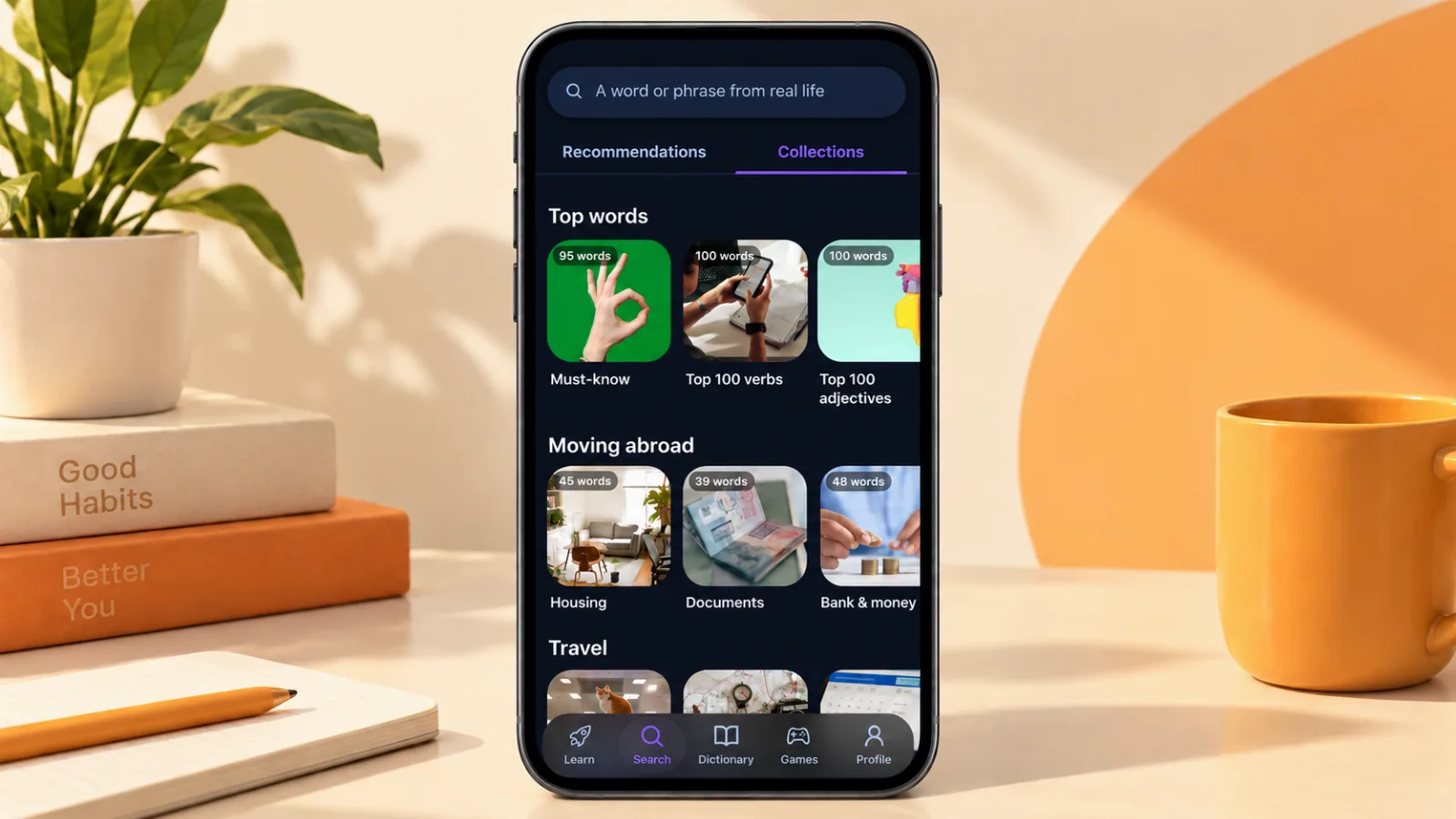
The Search tab has collections: Top 100 verbs, Travel, Moving abroad with sub-topics for housing, documents and banking. You open a collection, tap "Add all", and you already have something to learn. There is also a daily pick: the app suggests words with pictures, and each one is added with a single tap. The free version gives you three of these recommendations a day, Pro gives ten, but your own words and words from collections are added without any limit.
If you do not know where to begin, have a look at the first 100 words worth learning: they are chosen by the same frequency principle as the collections.
From recognizing to recalling
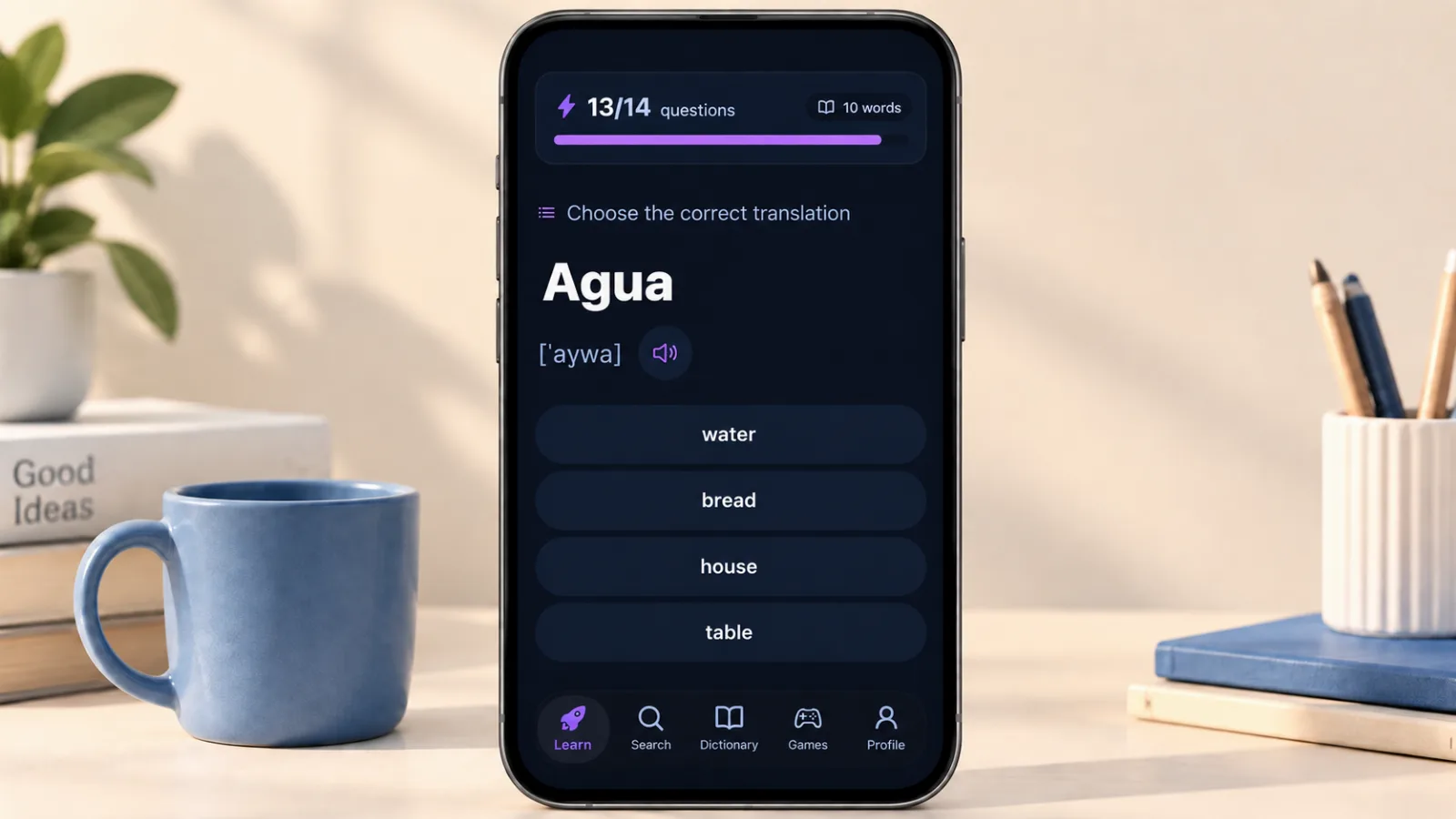
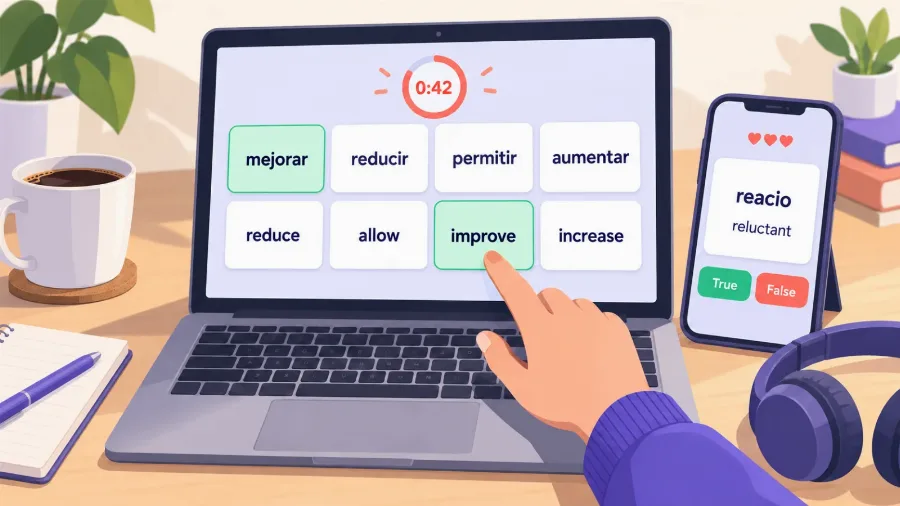
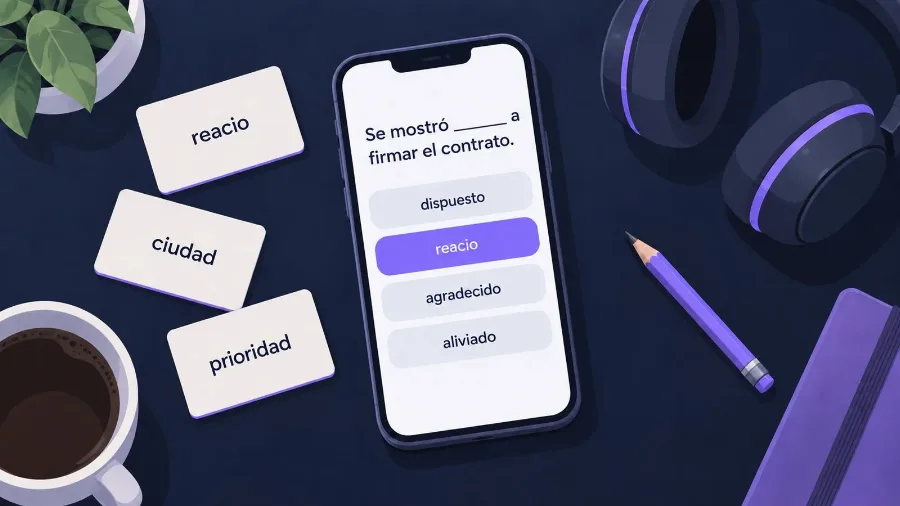
There are five training modes, and they run from easy to hard. The very first one: a word with audio and four translations to choose from. Here it is enough to recognize the word, and that is the right first step. Next comes "I remember / I don't", then a missing word in a sentence, then building the word from letters and, finally, saying it into the microphone. A new word climbs these steps gradually: until it is recognized confidently, the app will not ask you to write it from memory.
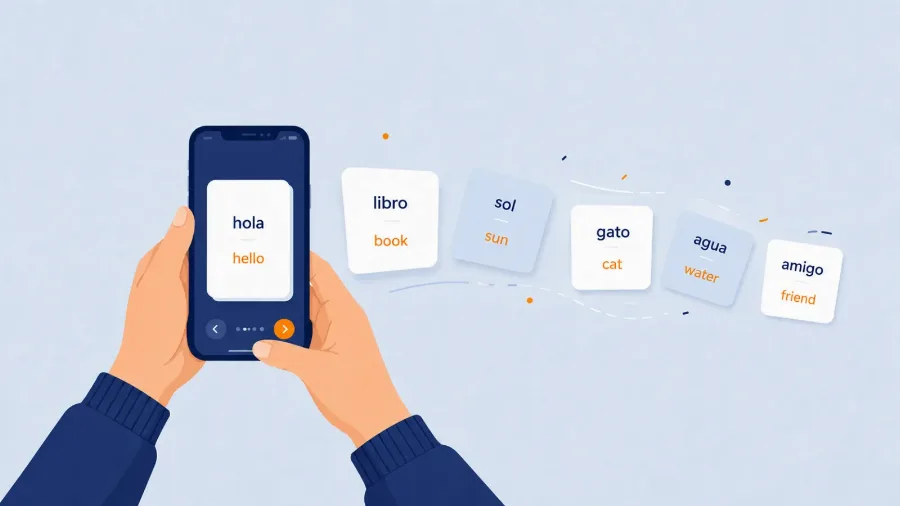
Every word has a card with transcription, audio, a picture and example sentences. A beginner can skip the transcription, but the audio is worth playing every time: words you have never heard will not be recognized later in speech.
A small portion with an end
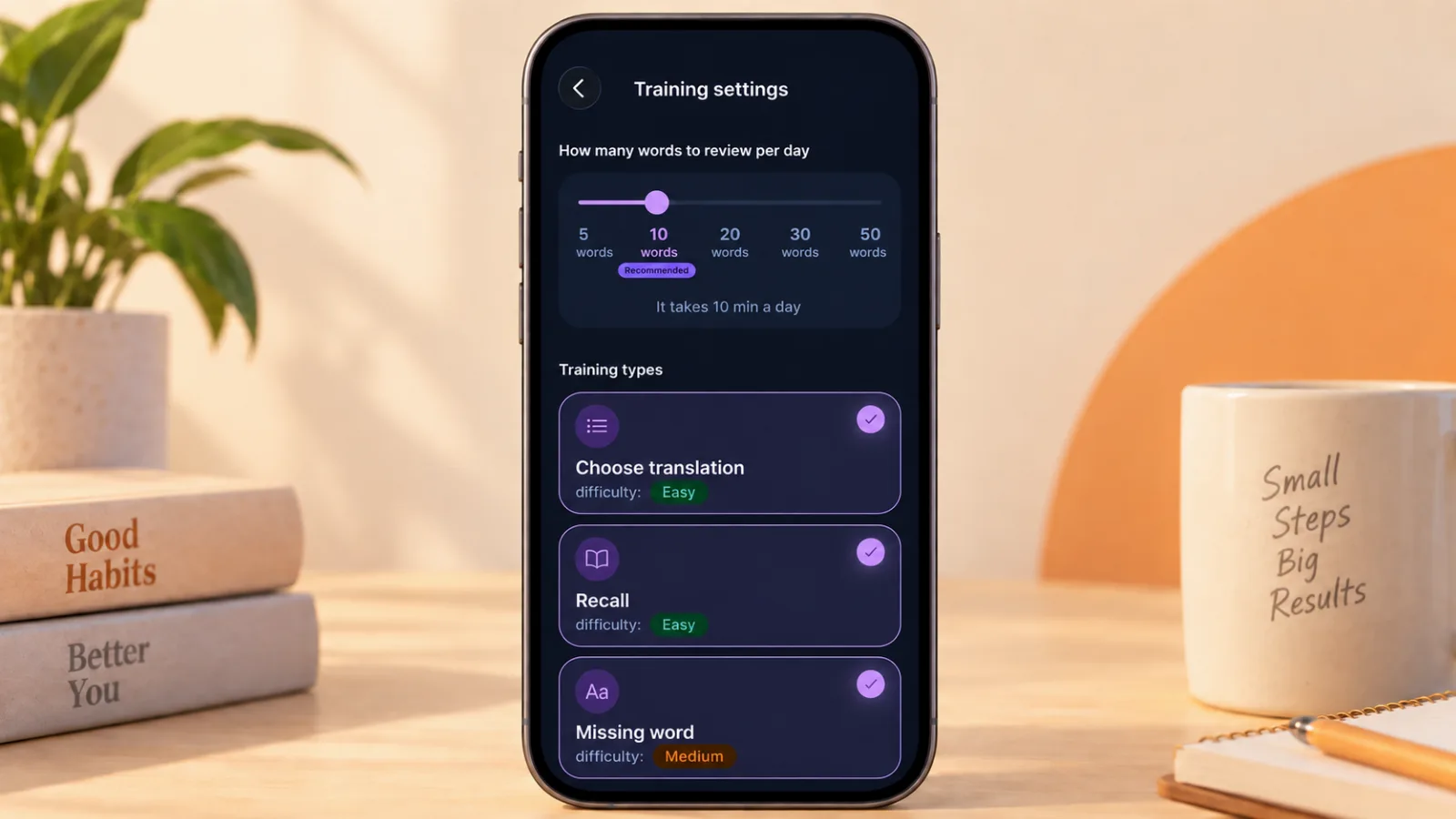
In the training settings there is a slider for words per day: 5, 10, 20, 30, 50. The app shows right away how long that will take. For a start, 5 or 10 is sensible, and it is worth leaving it there for the first two weeks even if it feels easy. The daily session is finite: a progress bar at the top says "question 7 of 20", and when it fills up, you are done for today. This matters more than it seems: the feeling of a finished job brings a person back tomorrow more reliably than any streak.
The app schedules reviews on its own: a word you recognized today comes back in a day, then in a few days, then in a couple of weeks. You do not need to remember what to review.
The first week, day by day
- Day 1. Install, pick the pair English → Spanish, add one collection (Top 100 verbs or the basic topics are a good choice). Set 5 words a day. Do one session.
- Days 2–4. Sessions only, add nothing. Play the audio for every word. Turn on a reminder for a time that suits you.
- Day 5. Open the dictionary and look at the counters: Know / Learning / New. There will not be many words under Know yet, and that is normal.
- Days 6–7. Add a second collection for your own goal: Travel if Spanish is for a trip, work-related words if it is for work. Do not raise the daily portion yet.
After a week you will have twenty or thirty words that you reliably recognize by ear and in text. That is little compared with what ads promise, and a lot compared with what is left after a week of cramming lists.
What a vocabulary app will not give you
An honest note on the limits. A vocabulary app will not teach you to build sentences, and it will not fix your pronunciation entirely, even with the microphone exercise. It gives you the material that speech is later assembled from. If you need Spanish for conversation, you will fairly soon have to add something to the words: short dialogues, simple videos, lessons with a tutor. We wrote more about how to set up the whole start, not just the words, in how to learn Spanish as an adult beginner.
But the words remain the foundation. Without the first five hundred, nothing else works: a dialogue is unintelligible, a video is noise, a tutor spends the lesson translating. So starting with them is the right call.
Where to start
If you are at zero or near it, install VibeLing for learning Spanish words, add one collection and set five words a day. Change nothing for the first week. The free version is enough for this: the limit only touches automatic recommendations, while collections and your own words have no cap. In a month you will have a hundred words you recognize in speech, and a habit of opening the app every day. From there, learning further gets much easier.