Anki for Spanish Words: How to Set It Up and Is It Worth It
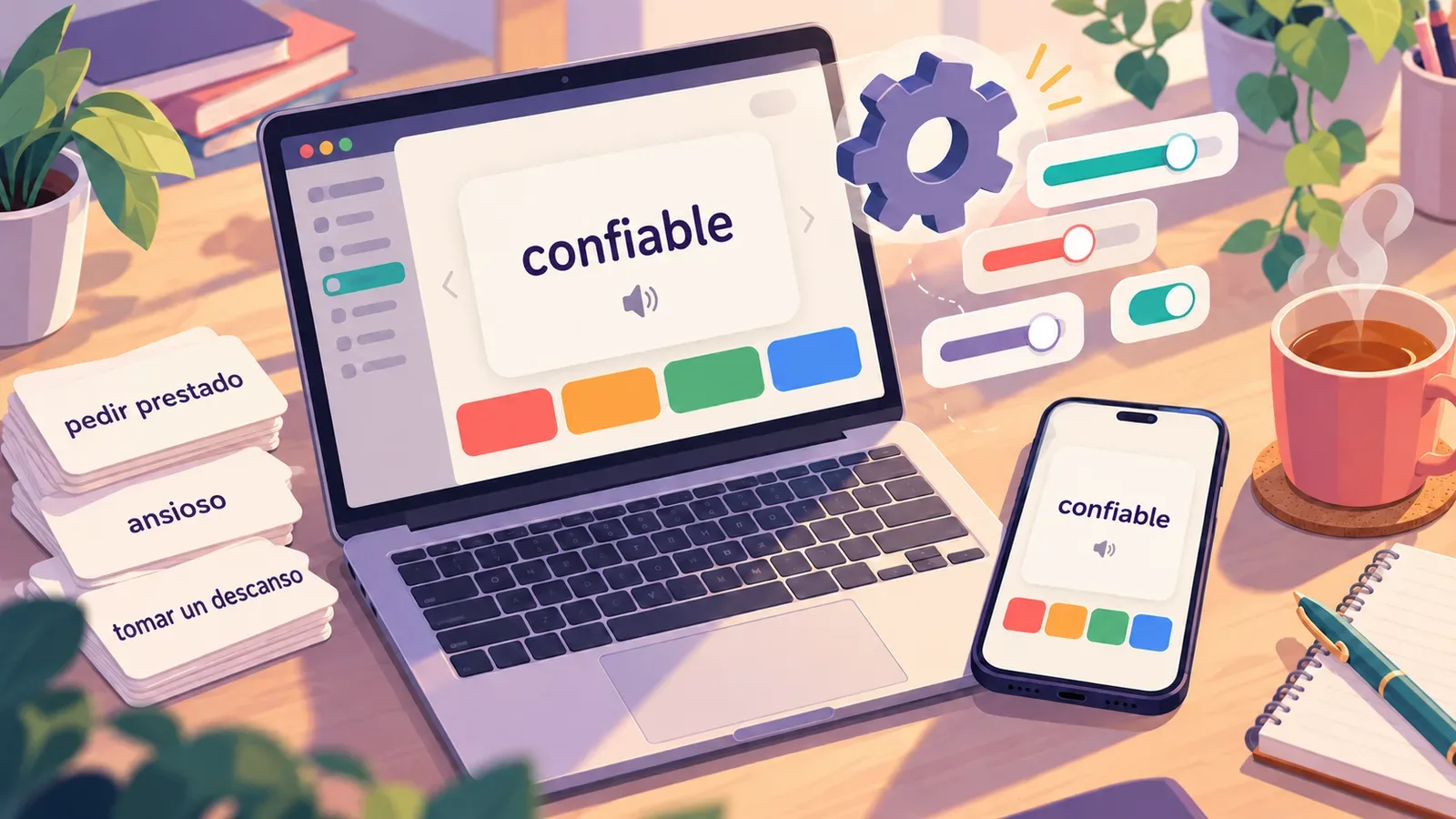
Anki comes up in almost every discussion about how to learn Spanish vocabulary. It's free, it's been around for years, and it uses spaced repetition: it shows you a word right when you're about to forget it. Still, a lot of people give up on Anki within the first two weeks. Usually the problem isn't the method itself but the default settings and the way the cards are built.
Below is how to set up Anki for Spanish words so your reviews don't pile up into a backlog, and how to tell whether the program is right for you at all.
What Anki is and how much it costs
Anki is a flashcard program with spaced repetition. You create a "word — translation" card, rate how easily you remembered it, and the program works out when to show it again. The more confident your answer, the longer the gap before the next review: a day, three days, a week, a month.
Versions and prices:
- Desktop (Windows, macOS, Linux): free, download it from apps.ankiweb.net.
- Android: AnkiDroid, free. It's made by a separate team of volunteers, but the decks and progress are the same.
- iPhone and iPad: AnkiMobile, paid, $24.99 as a one-time purchase. This money funds all of Anki's development.
- Sync between devices: free through an AnkiWeb account.
Download: App Store (AnkiMobile, paid) · Google Play (AnkiDroid, free)
Settings are easiest to change on a computer, and reviews are easiest on your phone. Everything described below is available in all versions, though menu names may differ slightly.
Step 1. One deck instead of ten
The first impulse is to create decks called "Verbs", "Food", "Work", "From TV shows". Don't. Each deck has its own queue, and a month later you'll be opening the same two while the rest fill up with overdue cards. One deck is enough for Spanish words. If you want some order, use tags: you can search and filter by them later.
There are ready-made decks in the AnkiWeb catalog (Shared Decks): frequency lists, DELE vocabulary, verb conjugations. You can use them, but keep two downsides in mind. The cards are often poorly designed, and the words are someone else's: you'll run into hundreds of words you won't need for the next year. We explained why your own words stick better in the article on why your own word collections beat ready-made lists. A good compromise is to take a ready-made deck of the 500–1,000 most frequent words and add everything else yourself.
Step 2. The right card type
When you add a word, Anki asks you to pick a note type. Three are useful for Spanish:
| Type | What it does | When to use it |
|---|---|---|
| Basic | One card: Spanish word → translation | Words you only need to understand when reading |
| Basic (and reversed card) | Two cards: word → translation and translation → word | The main option for words you need for speaking |
| Basic (type in answer) | You have to type the word yourself | Words with tricky spelling or accents |
The reversed card matters. Recognizing confiable in a text is much easier than coming up with it when you want to say "reliable". If you only study in one direction, you'll understand the words when reading, but they won't come to you in conversation.
What to put on a card:
- A word or a short phrase. Not tomar, but tomar un descanso.
- The translation: one or two main meanings, not the whole dictionary entry.
- An example sentence with the word. Without an example you remember the translation but don't know how the word is used.
- Pronunciation. A transcription or audio.
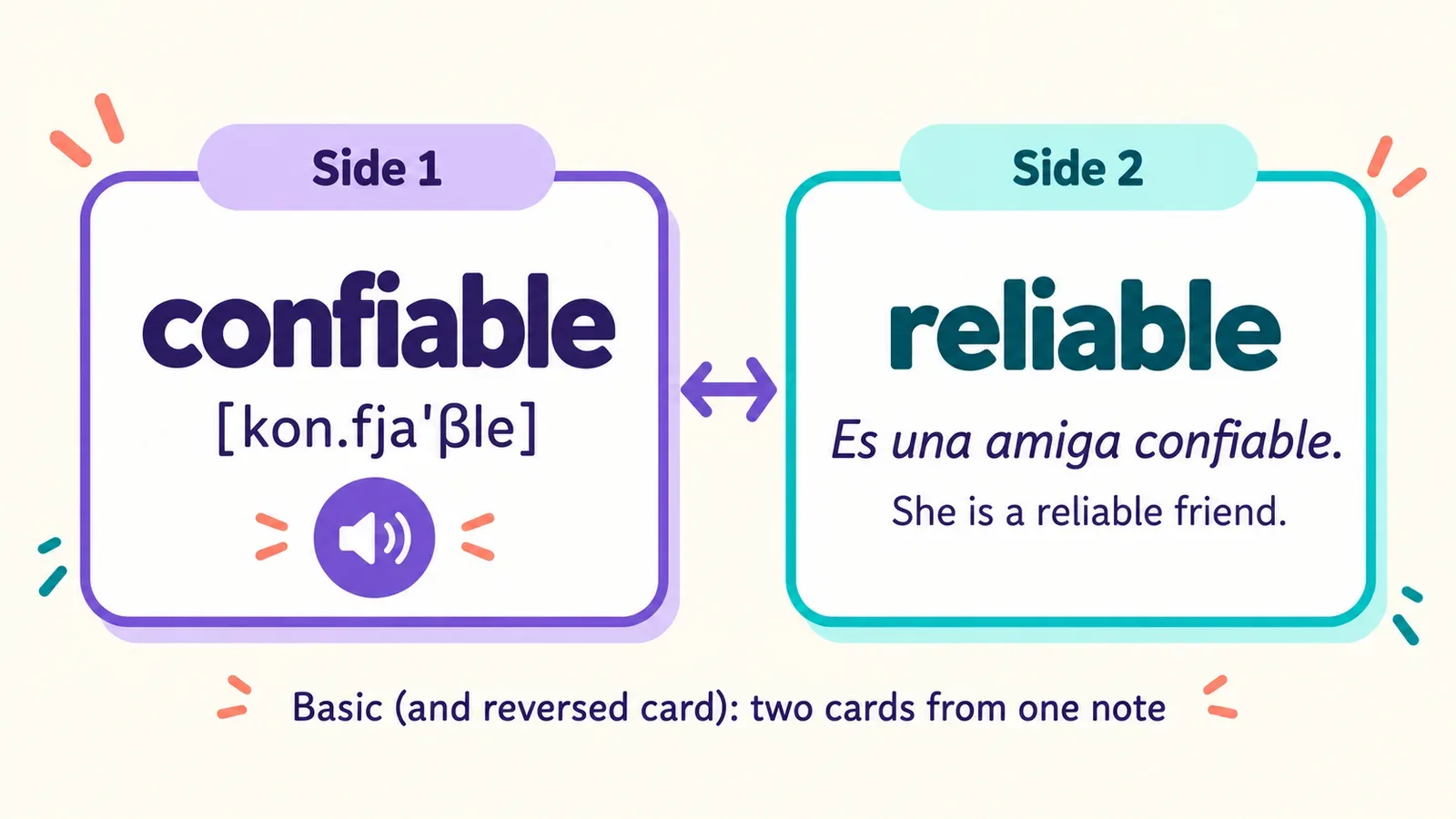
Anki doesn't add audio by default. You can record it yourself, paste it from an online dictionary, or install a text-to-speech add-on such as HyperTTS. It's one more thing to set up, but without sound you learn the word with your eyes and then don't recognize it by ear.
Step 3. Daily limits
This is the main reason people quit Anki. By default the program gives you 20 new cards a day. That sounds modest, but every new word comes back for review several times in the first weeks. Two or three weeks in, those 20 new words come with 100–150 reviews, and a session stretches to 40 minutes. Skip a couple of days and the queue grows to several hundred.
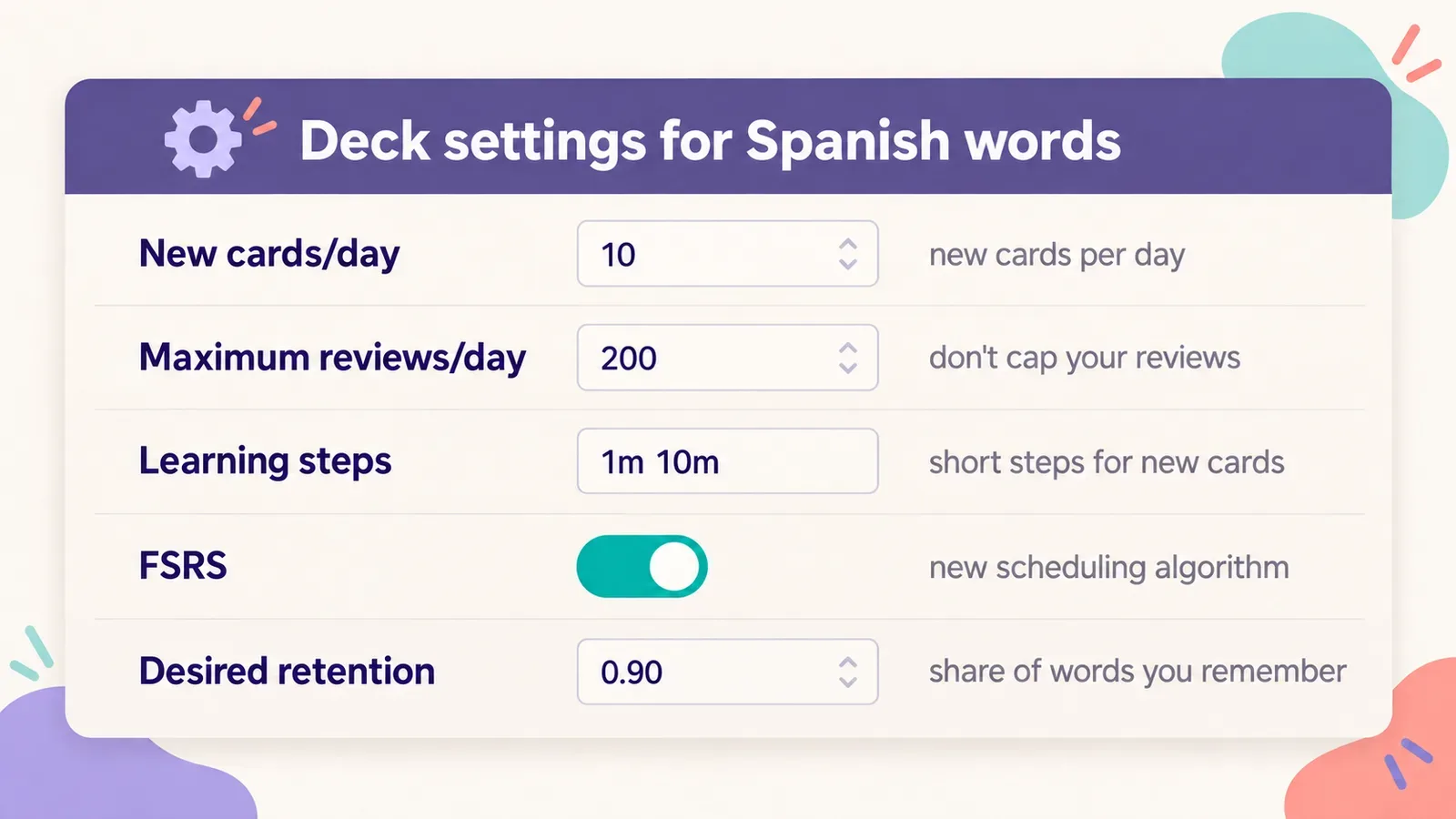
Open the settings with the gear icon next to the deck → Options. In the Daily Limits section:
- New cards/day: set it to 10 if you use reversed cards (that's 5 words in both directions), or 10–15 for basic ones. After a month, once you know your workload, you can raise it.
- Maximum reviews/day: leave it at 200 or more. If you cap reviews hard, overdue cards will pile up and words will slip away.
A rule of thumb: you'll spend roughly as many minutes a day on reviews as the number of new cards you take. If you have 15 minutes, there's no point taking more than 15 new cards.
Step 4. The FSRS algorithm
Recent versions of Anki come with a new scheduling algorithm, FSRS. It adjusts the intervals to how you personally remember things and usually means fewer reviews for the same share of remembered cards. You turn it on in the same deck settings, under Advanced or FSRS, with a toggle of the same name.
- Desired retention: the share of cards you want to remember when they come up for review. The default is 0.9, which is a sensible value. Raise it to 0.95 and you'll get noticeably more reviews for a small gain in memory.
- Learning steps: the steps for new cards, 1m 10m by default. With FSRS it's best to keep them short, under a day.
- Once you have a few hundred reviews, click Optimize: Anki will fit the parameters to your answer history.
Step 5. How to answer cards
After each answer Anki shows four buttons: Again, Hard, Good, Easy. The most common mistake is pressing Hard when you didn't remember but "almost knew it". Hard means you remembered, but with effort. If you didn't remember or got it wrong, that's Again, even if the answer was on the tip of your tongue.
Use Easy rarely: only when the word is obvious and there's no point seeing it again soon. Otherwise, press Good. If you honestly use just two buttons, Again and Good, the schedule will already work properly.
Is Anki worth it for Spanish vocabulary?
Anki's method is sound: spaced repetition really does help you remember for the long term (more on that in the article on spaced repetition). The question is the price you pay in time.
| Pros | Cons |
|---|---|
| Free on desktop and Android | Paid version on iPhone |
| Flexible settings and card templates | You have to set it up yourself, and the interface is clunky |
| A good review algorithm | You build every card by hand: translation, example, audio |
| Works for any subject | One answer format: you remembered or you didn't |
Anki is a good fit if you enjoy tailoring a tool to yourself, don't mind spending time on card design, or are studying more than a language, say, medicine too. But if you want to add Spanish words from shows and articles in a couple of seconds and start practicing them right away, building cards by hand gets old fast.
If you want the same thing without the manual work
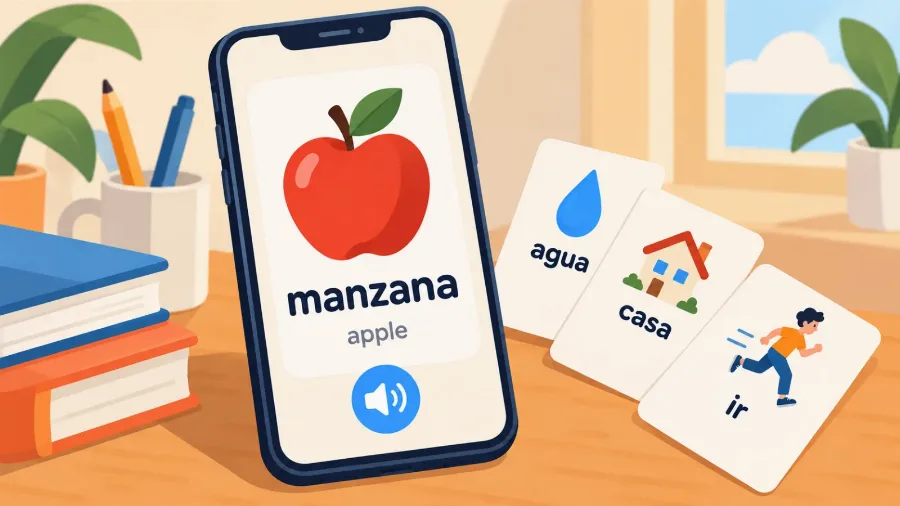
VibeLing runs on the same spaced repetition principle, but you don't have to build cards. You find a word or phrase, and the translation, examples, transcription, audio and a picture are already there. One tap and the word is in your personal dictionary.
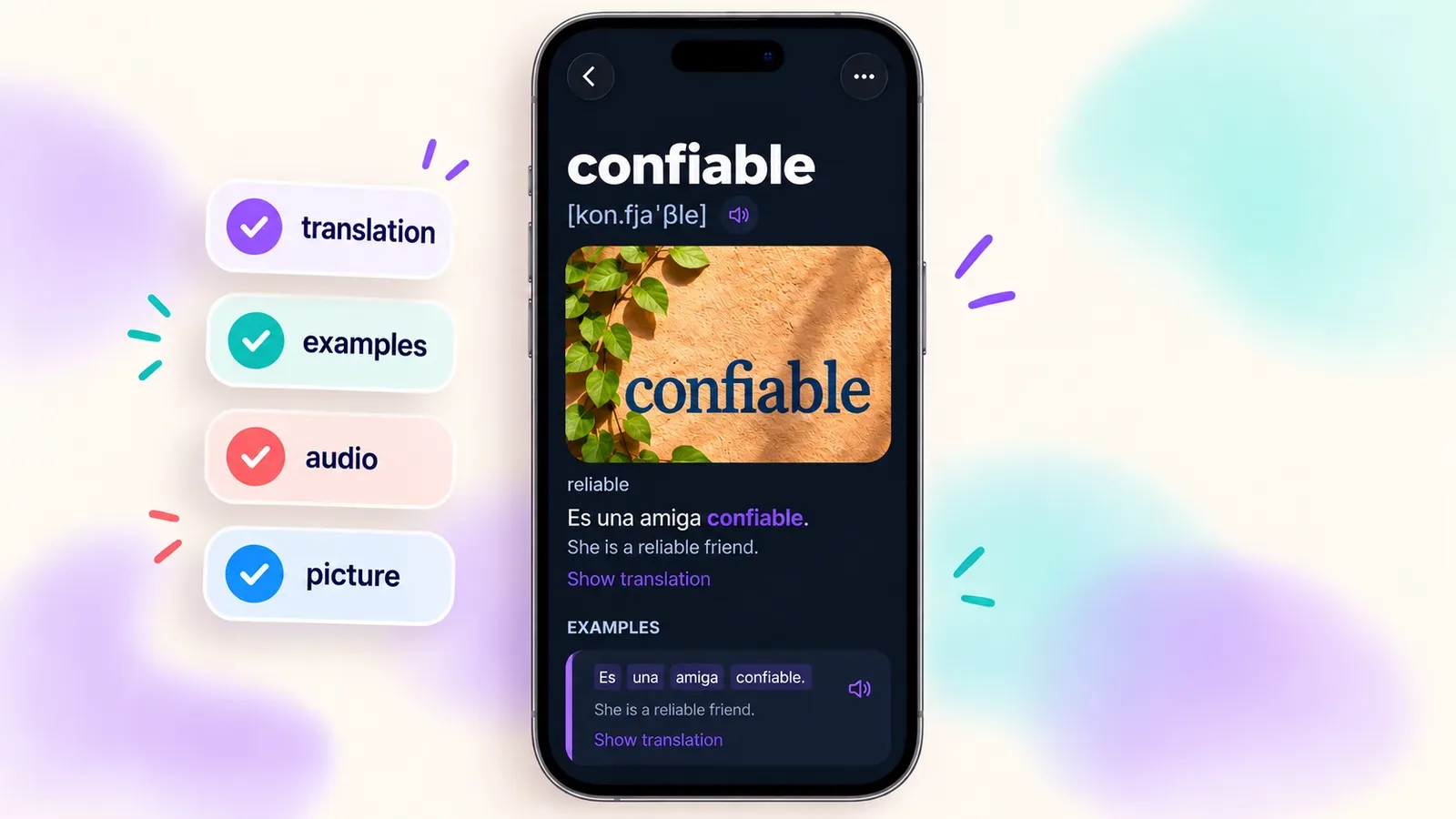
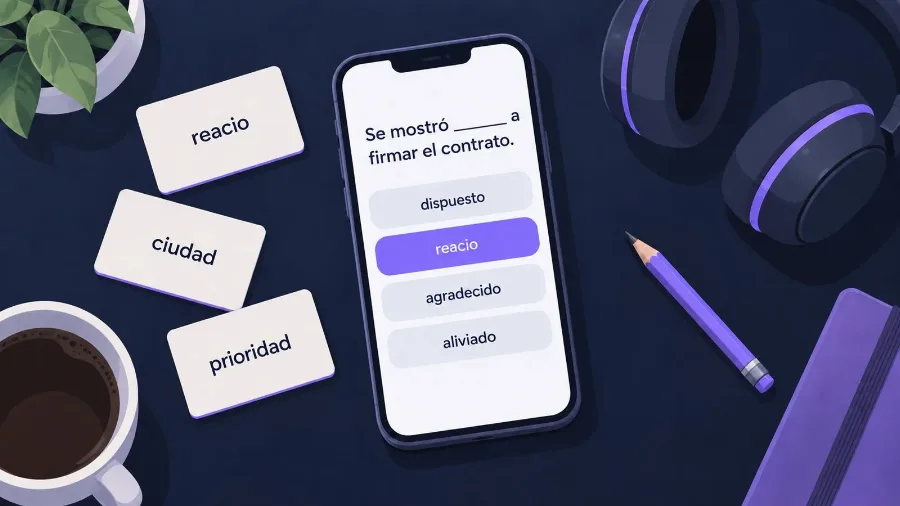
Words aren't trained only in a "remembered it or not" format. The app has five modes: picking the translation, recall with self-check, filling the word into a sentence gap, building the word letter by letter, and saying it out loud. Both directions and listening are covered without any extra setup. The daily limit for new words is a single slider, and the app shows you how many minutes a session will take.
If you've tried Anki and gave up because of the setup, give VibeLing a try with the same words. If Anki works for you, set it up following the steps above and it will serve you for years.