Free vs Paid Vocabulary Apps: What's Worth Paying For
Almost every vocabulary app is free to start. You download it, open it, and learn. The money question comes later: a week in, a subscription screen appears, and it's hard to tell whether this is a fair request to pay for something useful or whether the free version was cut down from the start so that it's uncomfortable without paying.
The answer doesn't depend on whether an app has a free version, but on where that free version ends. Let's look at the kinds of limits apps use, what is worth paying for and what isn't, and how to test an app before you enter your card details.
Where the free version usually ends
Vocabulary apps use roughly the same set of limits. The difference is which one they pick and how much it gets in the way of learning.
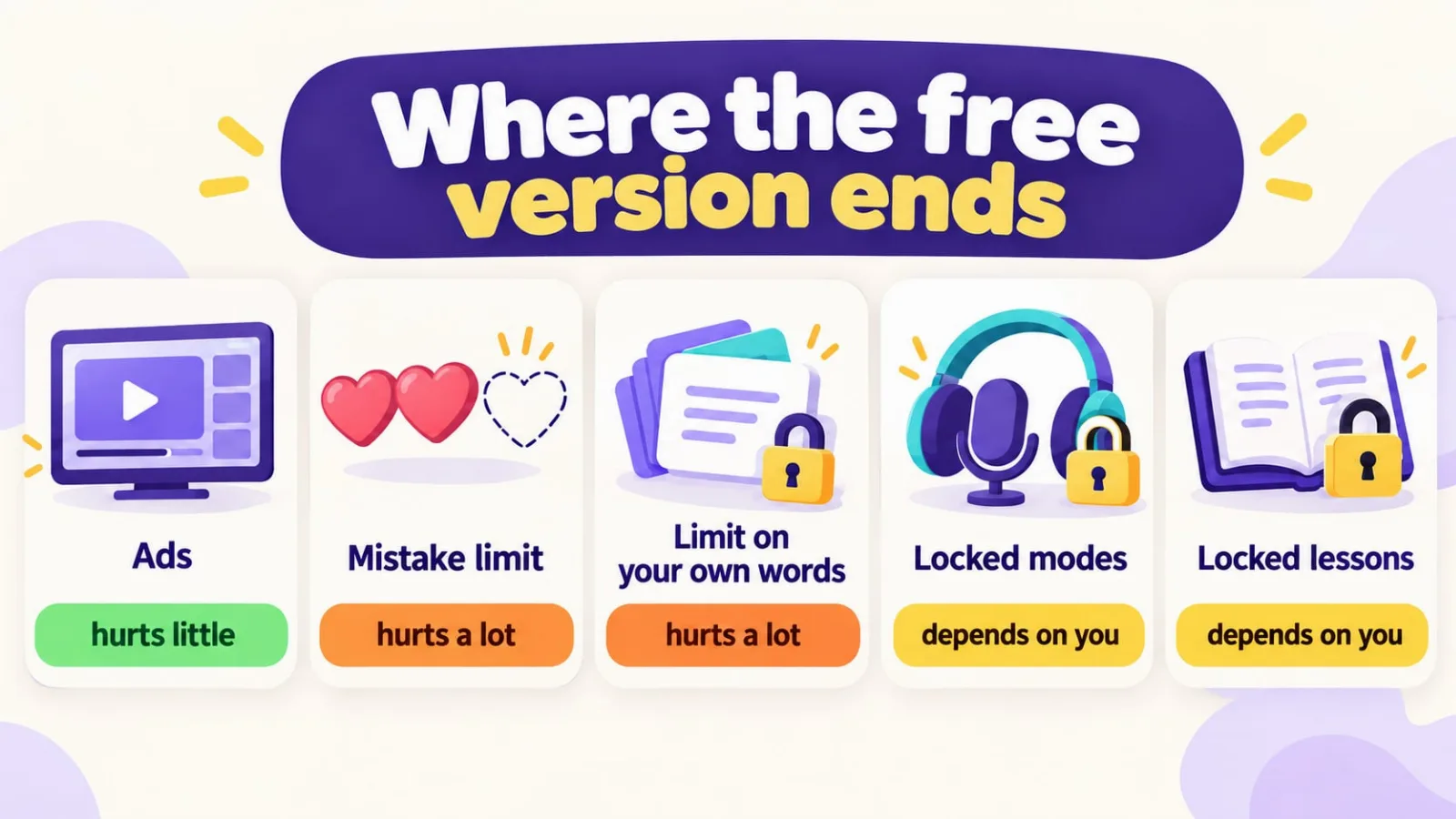
| Limit | What it looks like | How much it hurts |
|---|---|---|
| Ads | A video after a lesson or a banner at the bottom of the screen | Annoying, but doesn't stop you learning |
| Mistake limit | Hearts or energy: a few mistakes and the session is over until tomorrow | A lot: it punishes exactly the people who find it hard |
| Limit on your own words | You can create 50 or 100 cards, after that only with a subscription | A lot: your vocabulary hits a ceiling within a month |
| Locked modes | Flashcards are free, but tests, listening or pronunciation are paid | Depends on which modes you actually need |
| Locked content | The first lessons are free, the rest of the course is behind a paywall | A lot, if you came for the course |
Ads and locked extra modes are a normal model: you can learn for free for a long time, and people who want more convenience or volume pay for it. A limit on your own words or on mistakes works differently. It hits the memorization process itself, and in that case the free version is more of a sample than a real tool.
How well-known apps handle it
These models change from version to version, so below is the general picture, not a price list. Current terms are always shown on the subscription screen inside the app.
Anki
The algorithm and the program itself are free: on a computer and on Android (AnkiDroid) Anki costs nothing. Only the iPhone version, AnkiMobile, is paid, and it's a one-time purchase, not a subscription: $24.99 in the US App Store. No subscriptions and no ads, but you'll have to make the cards yourself or find ready-made decks.
Download: App Store (AnkiMobile) · Google Play (AnkiDroid)
Duolingo
The whole course is available for free, but with ads and a limit on mistakes or on how many lessons you can do in a row. The Super subscription removes the ads and that limit. You can't add your own words in Duolingo; you learn what's in the course.
Download: App Store · Google Play
Quizlet
Creating flashcard sets and flipping through them is free. Some study modes and tests are limited, and Quizlet Plus gives you everything without ads.
Download: App Store · Google Play
Memrise
You can start for free, but most lessons and the videos with native speakers open up in Pro. This is the locked-content model: the free version is enough to find out whether you like the format.
Download: App Store · Google Play
A detailed comparison of the apps themselves, without the money question, is in our roundup of the best vocabulary apps.
What is worth paying for
A subscription makes sense when it saves you time or removes a real inconvenience, not when the app stops working without it.
- If you practice every day. An ad after every session adds up to real time over a month. Once the app has become a habit, paying to get rid of the videos is reasonable.
- If you need a mode that isn't free. Say you're preparing for a trip and pronunciation matters to you, but it's only in the paid version. Pay for a specific feature you'll use, not for a long list in a subscription ad.
- If you're learning two languages. Many apps only let you study one for free.
- If the app picks words for you. That saves the most expensive time of all: figuring out what to learn. More recommendations per day is a clear reason to pay.
What isn't worth paying for
- Access to your own words. Words you met yourself in a show or at work stick better than ready-made lists (we explain why in the article about your own word collections). If an app only lets you into your personal dictionary for money, it's charging for the main thing.
- A yearly subscription on day one. The yearly discount looks good, but if you quit after a month, there was no saving. Start with a month or a free trial.
- Promises of results. "1,000 words in a month" depends on you, not on the plan. A paid version doesn't memorize words faster than the free one if they share the same review algorithm.
How VibeLing does it
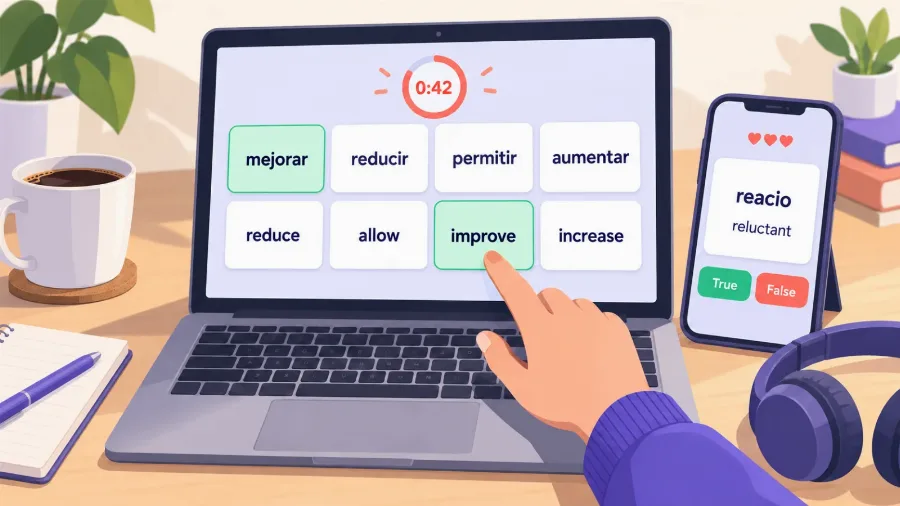
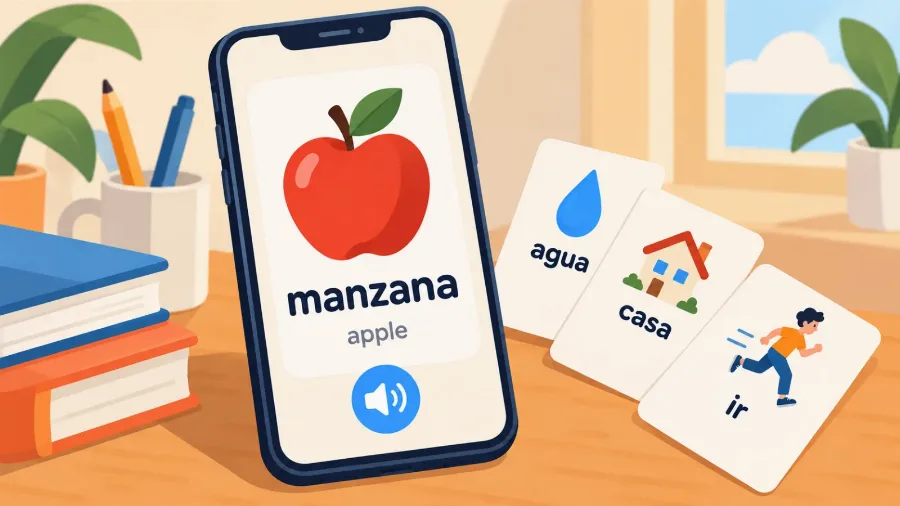
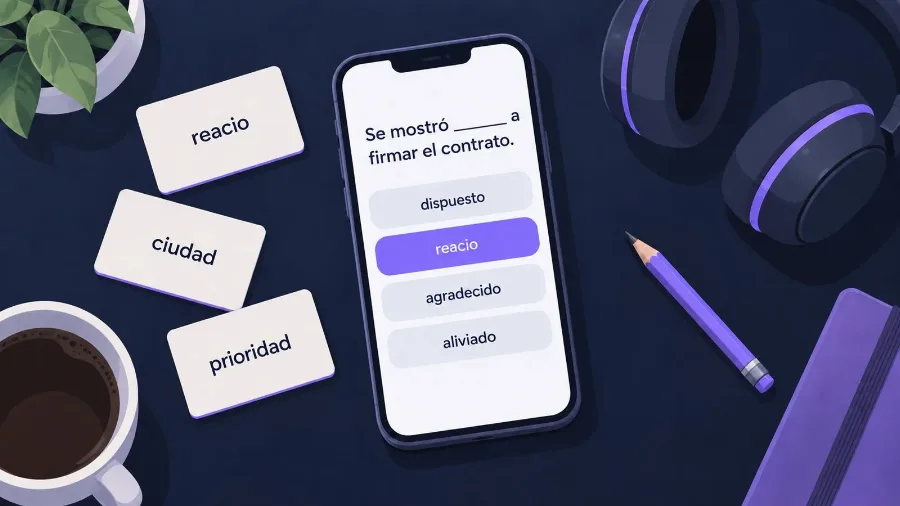
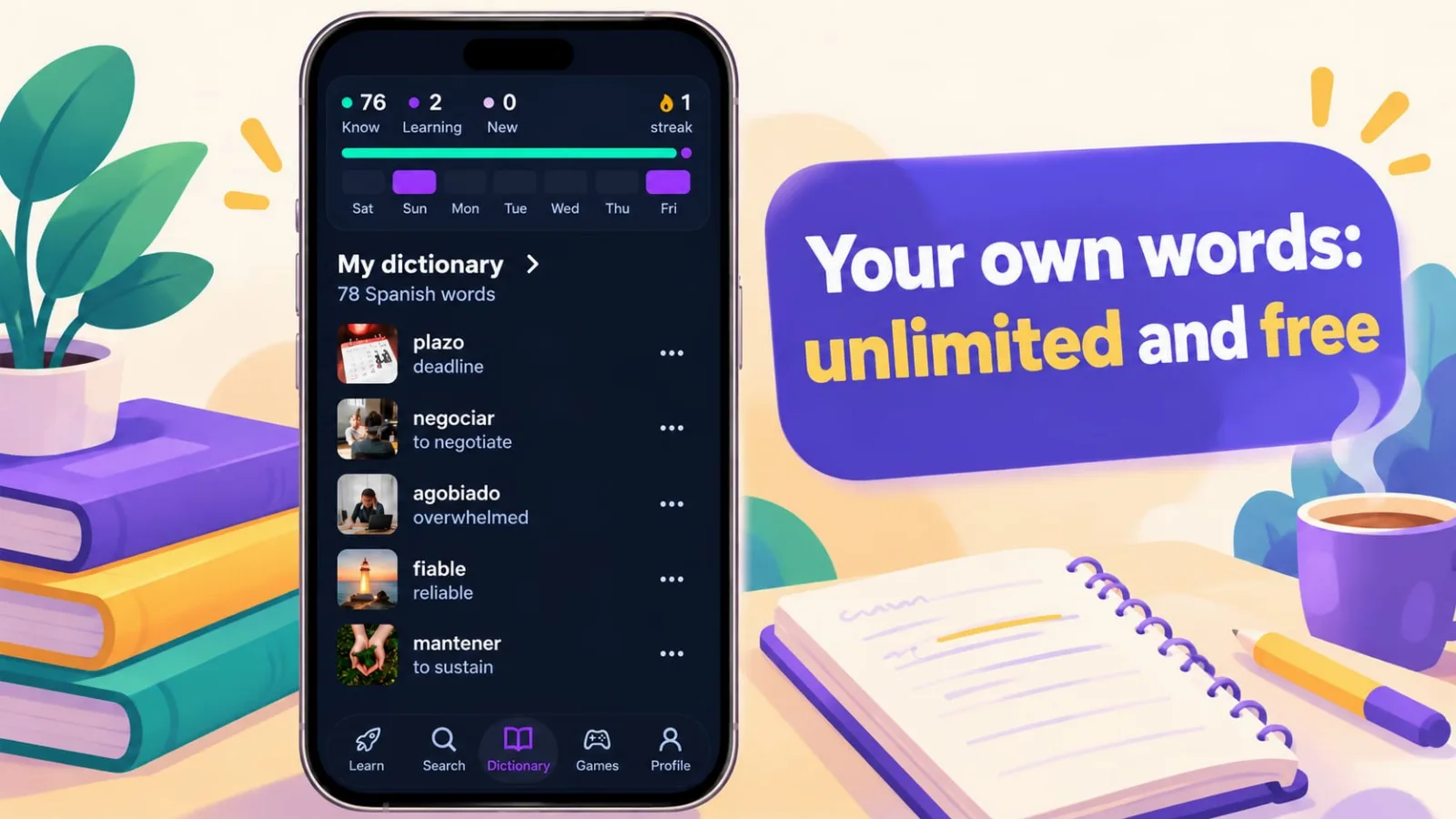
From the start we decided that your own words should be free without limits. You can add as many words as you want and practice them too: flashcards, choosing the translation, fill in the blank, building the word from letters, pronunciation. Spaced repetition works the same in every version. No sign-up needed.
The paid version, Pro, adds three things:
| Free | Pro | |
|---|---|---|
| Your own words and practice | Unlimited | Unlimited |
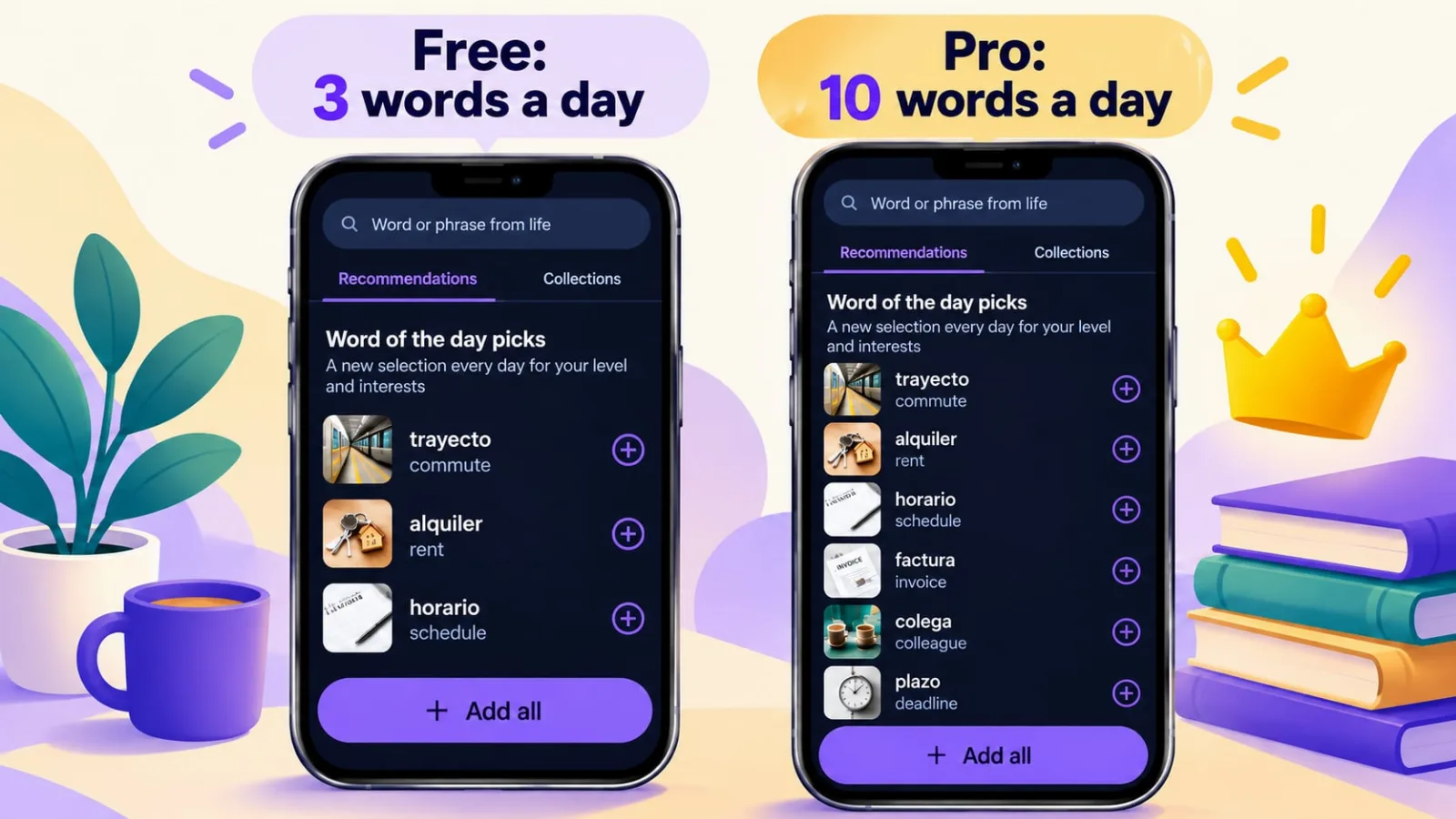
| Word recommendations for your level | 3 a day | 10 a day |
| Ads | Yes | No |
| Several languages at once | One | Several |
Recommendations are words the app picks for you, based on your level, your goals and what you already know. They help when you're not sure what to learn next. Three a day is enough for your vocabulary to grow without effort; ten are for people who want to move faster.
You can try Pro free for three days, and if you don't like it, stay on the free version and lose nothing: all the words you added and your progress stay.
How to test an app before paying
Five questions worth answering during your first week of free use:
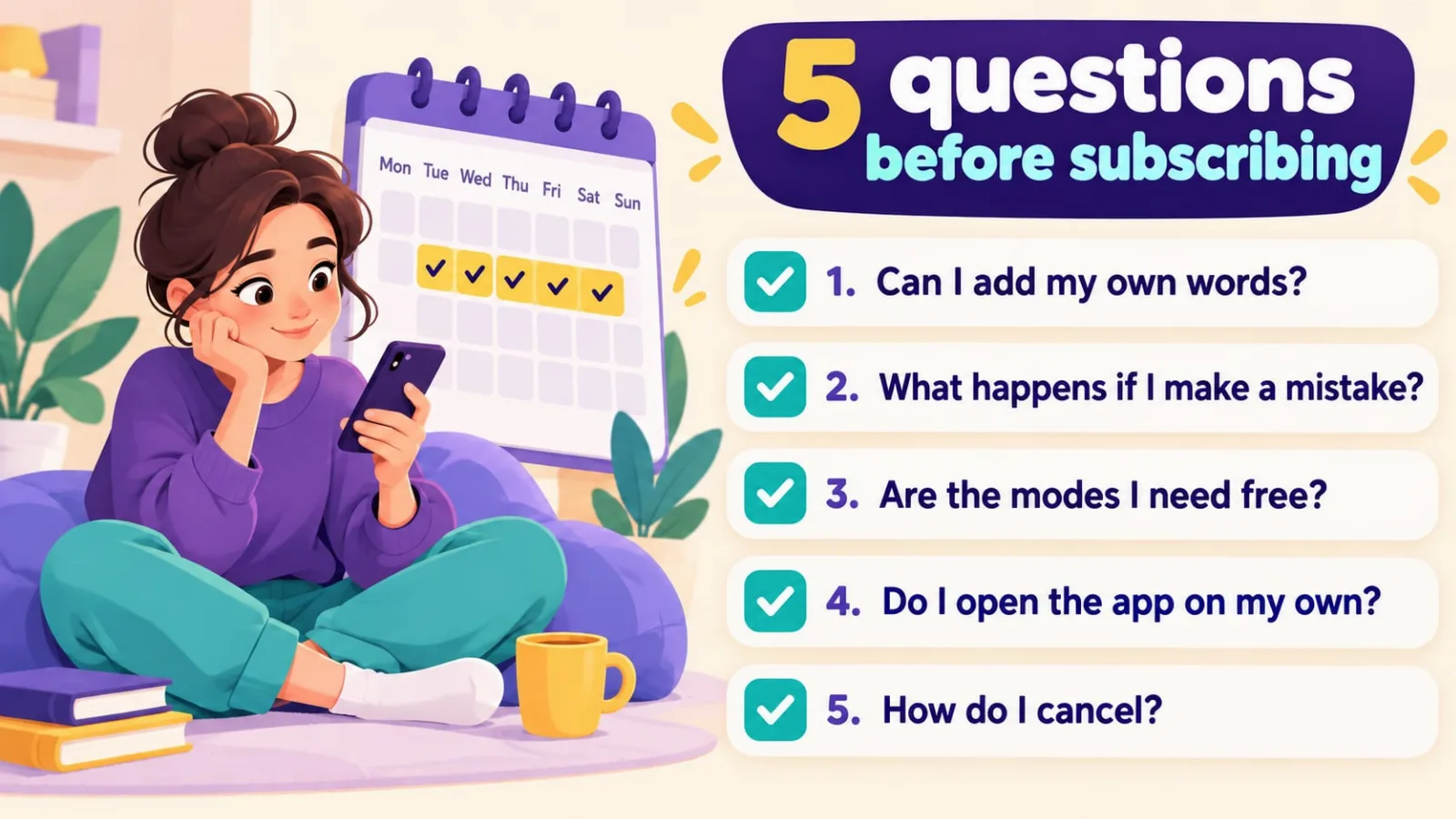
- Can I add my own words, and how many? If there's a ceiling, work out when you'll hit it.
- What happens when I make a mistake? If the session ends after three mistakes, the free version is designed to make you pay.
- Which modes do I actually need? Check whether they're free.
- Do I come back to the app on my own? If all week you only opened it from notifications, a subscription won't change that.
- How do I cancel? Subscriptions on iOS and Android are canceled in the store settings, not in the app. If the trial is free, set a reminder for the day before it ends.
Bottom line
A good vocabulary app can be used for free for months, and you pay for convenience: no ads, more picked words, a second language. If the free version won't let you learn your own words or cuts the session short after mistakes, it's a sample, and it's only worth paying if the app suits you in everything else.
If you'd like to start with a free version where your own words have no limits, give VibeLing a try: add a dozen words from what you're reading or watching right now, and in a week you'll know whether you need Pro.