Anki Alternative: How to Learn Foreign Words Without Manually Creating Flashcards
Anki has long been one of the most popular tools for spaced repetition. It is used by students, developers, medical professionals, language learners, and people who simply want to remember information better. And for good reason: Anki is powerful, flexible, and genuinely useful for keeping knowledge from fading away.
But that power comes with a downside. Anki requires setup, discipline, and quite a lot of manual work. You need to create cards yourself, add translations, write examples, find audio, organize decks, understand card types, and sometimes tweak review settings.
For some people, that level of control is a benefit. For others, it becomes a barrier. Especially when the goal is simple: learning foreign words and phrases from movies, books, songs, articles, or everyday conversations.
In that case, a simpler flow is often more useful: you see a word, save it, get a translation and examples, and then the app brings it back for review at the right time. This is the kind of scenario VibeLing is built for.
Why Anki Is Not for Everyone
The main issue with Anki is not that it is bad. Quite the opposite: it is a very strong tool. The issue is that it is extremely universal.
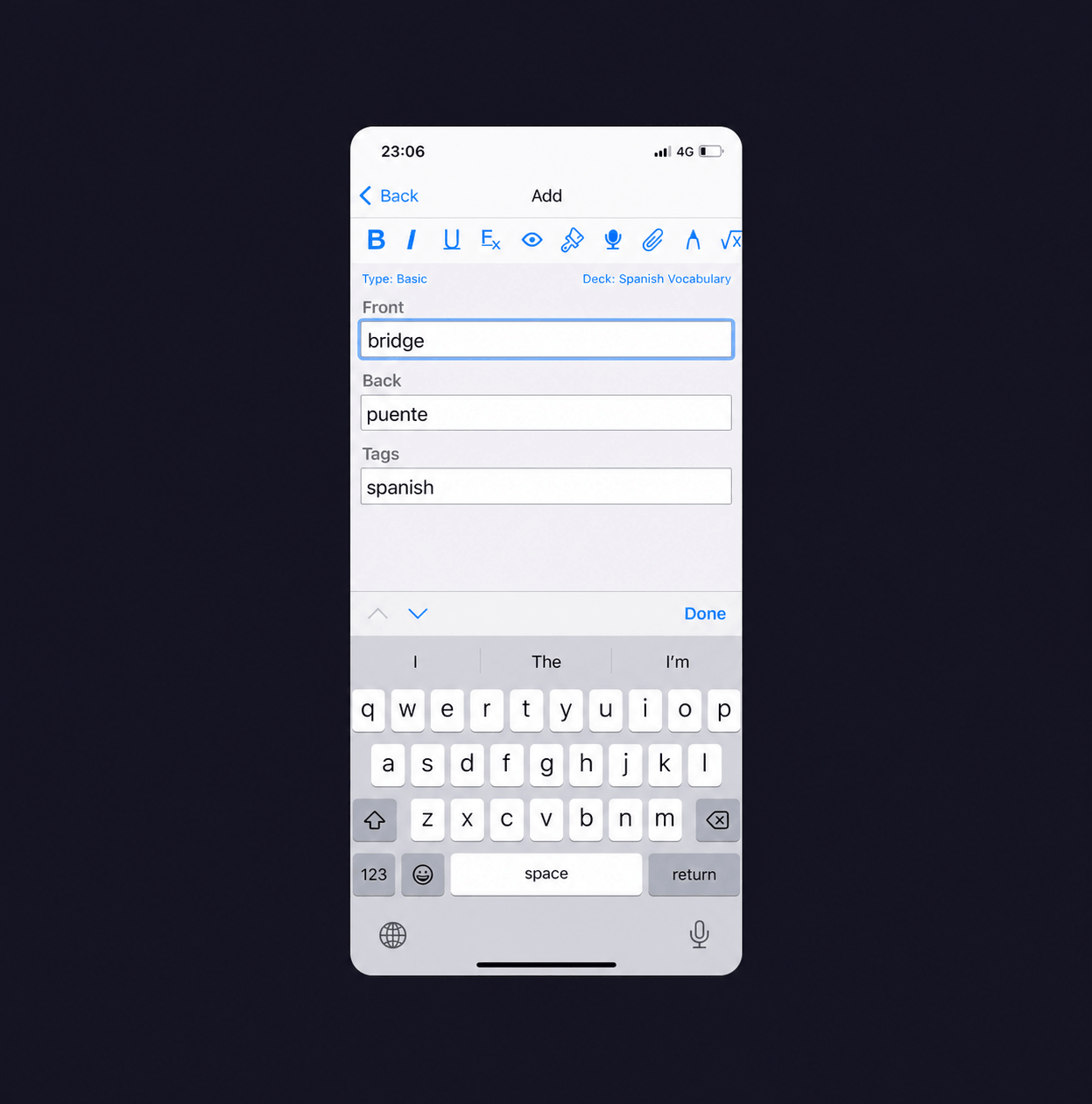
Anki can be configured for almost anything: languages, medicine, programming, history, exam preparation, and more. But because of that flexibility, it does not offer one simple default flow for someone who just wants to learn foreign words from real content.
For example, imagine a user sees this phrase in English:
I don’t feel like going out today.
In Anki, they need to create a card manually. Add a translation. Maybe write an example. Maybe add context. Maybe find audio. Then decide which deck it belongs to. Then adjust the card format so it looks convenient.
Doing this once is not difficult. But doing it every day quickly becomes tiring. As a result, many people quit not because spaced repetition does not work, but because preparing the material takes too much effort.
What VibeLing Does Differently
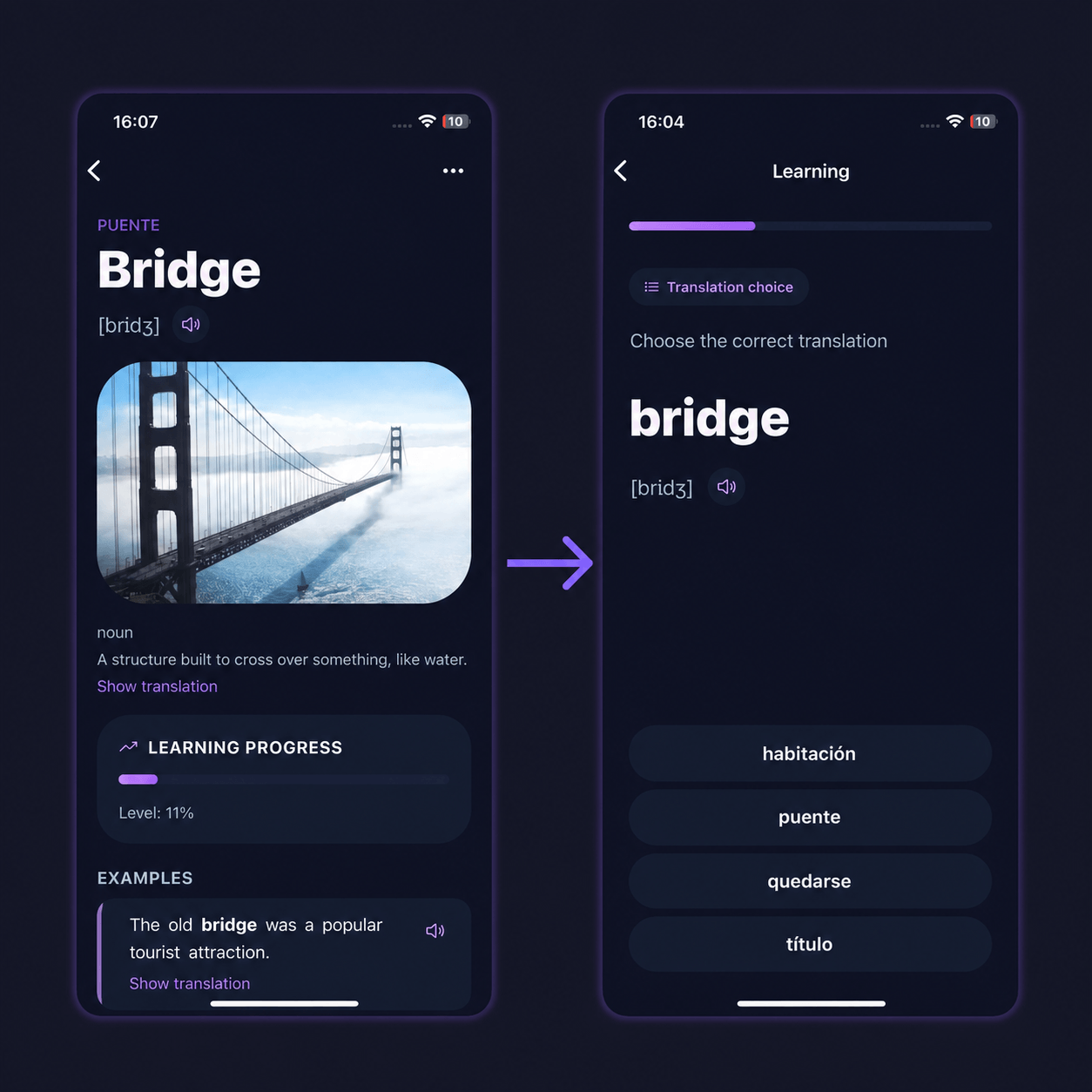
VibeLing is not designed as a universal flashcard system. It is designed specifically as an app for learning foreign words and phrases from real life.
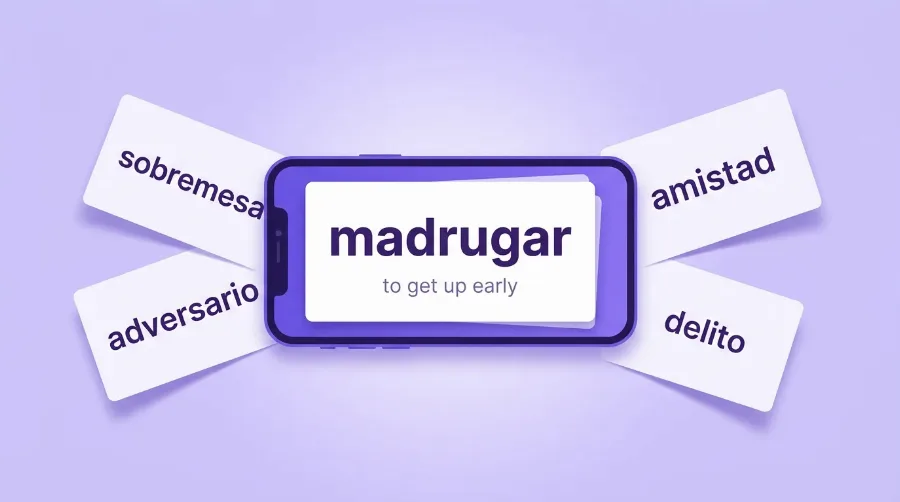
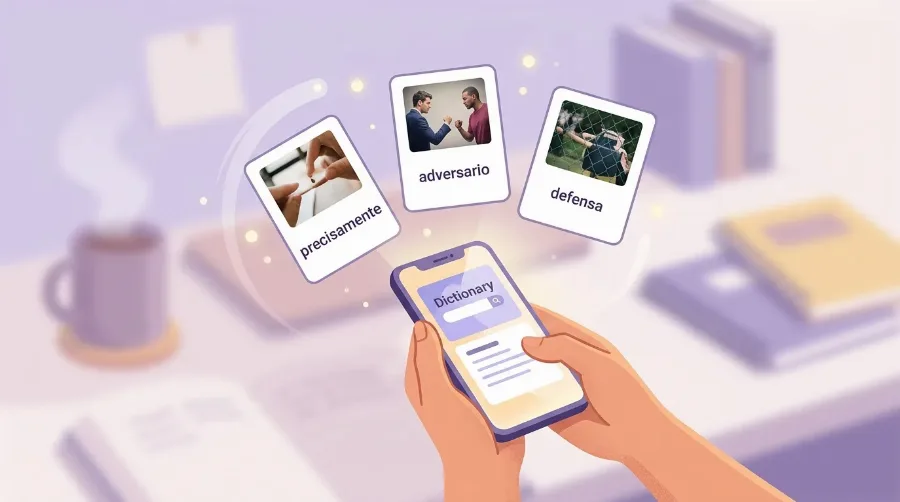
The idea is simple: the user adds a word or phrase, and the app helps turn it into a full learning item. Not just “word — translation”, but translation, examples, context, audio, and spaced-repetition training.
Instead of manually creating flashcards, the user gets a ready-to-learn item that can immediately be used in practice sessions.
This is the main difference from Anki. Anki gives you a constructor. VibeLing gives you a ready-made learning flow.
If you want to try this approach in practice, VibeLing is available on App Store and Google Play.
Spaced Repetition Without Extra Complexity
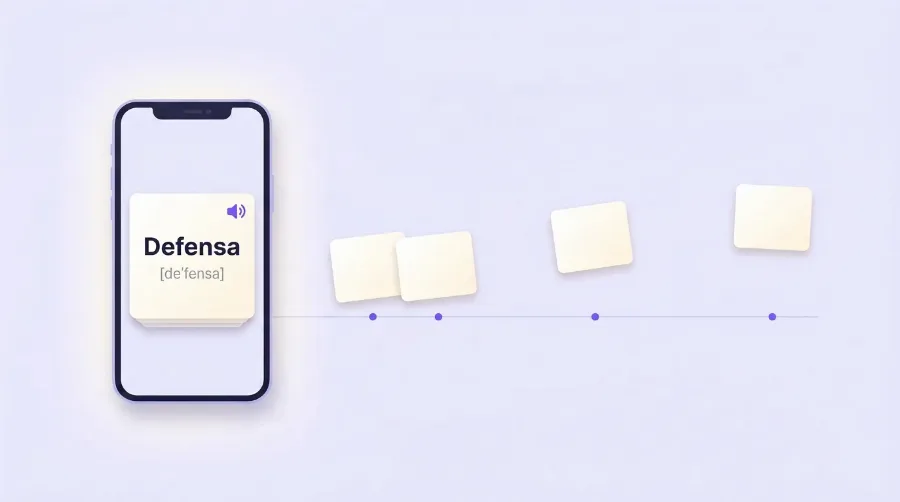
The biggest value of Anki is spaced repetition. This is a learning method where words come back for review not randomly, but around the moment when a person is about to forget them.
If you repeat a word too often, you waste time. If you repeat it too rarely, you forget it and have to learn it again. Spaced repetition helps find the balance: not reviewing constantly, but reviewing at the right time.
VibeLing also uses the idea of spaced repetition, but tries to hide the complexity inside the app. The user does not need to understand algorithm settings, retention percentages, intervals, or card parameters. They just go through training sessions and mark how easy or difficult it was to remember a word.
For most language learners, that is enough. They do not need to manage the system. They need the system to help them come back to words regularly.
Not Just Flashcards, but Words From Your Context
Another issue with classic flashcards is that they often feel disconnected from real life. You can download a ready-made deck with 5,000 words, but after a few days realize that half of them are not interesting, and the other half have nothing to do with what you actually read, watch, or listen to.
VibeLing is built around a different idea: learning not an abstract word list, but the words the user personally meets in real context.
A word from a TV show. A phrase from a song. An expression from an article. An unfamiliar phrase from a book. A line from a video. These words tend to stick better because they already have a story. The user is not just memorizing a translation. They remember the situation where they first saw the expression.
This is especially important for languages. A language is not just a list of separate words. It is context, nuance, fixed expressions, and living phrases.
Why VibeLing Can Be More Convenient Than Anki
VibeLing can be more convenient if the goal is to learn foreign words and phrases, not build a custom flashcard system from scratch.
In Anki, the user is responsible for everything: how the card looks, what is written on it, which examples to use, and how decks are organized. In VibeLing, most of that work is automated.
The user adds a word or phrase, and the app helps with translation, examples, audio, and training. This lowers the entry barrier. You do not need to become an Anki expert before you can start reviewing words properly.
Another advantage is the mobile-first scenario. Foreign words usually appear when you are not sitting at a computer carefully preparing flashcards. They appear on your phone: in YouTube, Telegram, a book, an article, a movie, or another app. So it matters that a word can be saved quickly and reviewed later.
When Anki Is Still Better
Anki does not need to be replaced completely. For some tasks, it will still be the better option.
If you need maximum flexibility, custom card templates, complex decks, ready-made databases, plugins, and full control over the system, Anki is a great choice.
It is especially good for people who enjoy configuring the learning process and are ready to spend time building their own knowledge system.
But if the goal is simpler — learning foreign words from real life without spending time manually preparing cards — then VibeLing can be a more convenient alternative.
Anki Is for Control, VibeLing Is for Simplicity
The main difference can be summed up like this:
Anki is a tool for people who want full control over their learning system.
VibeLing is a tool for people who want to move faster from seeing a word to remembering it.
In one case, the user builds the system themselves. In the other, they simply add words and go through training sessions.
There is no universally correct choice here. If Anki already fits into someone’s routine and helps them study regularly, there may be no need to change anything. But if a person has tried several times, created decks, abandoned them, returned, and then abandoned them again, maybe the problem is not the person. Maybe they simply need a lighter tool.
Who VibeLing Is For
VibeLing is a good fit for people who learn a foreign language not only from textbooks, but from real content: movies, TV shows, books, podcasts, songs, articles, videos, and messages.
For people who constantly meet new words but quickly forget them.
For people who do not want to create flashcards manually.
For people who understand the value of spaced repetition but do not want to deal with complicated settings.
And for people who want not just to “learn a translation”, but gradually turn new words into active vocabulary.
Final Thoughts
Anki is a powerful tool, but it is not always the most convenient option for learning foreign words. Its strength is flexibility, but that same flexibility can get in the way when all you want is a simple and fast learning process.
VibeLing can be seen as an Anki alternative for language learning: less universal, but more focused on the real scenario of saving a word, getting context, reviewing it at the right moment, and gradually remembering it.
In short: Anki helps people who are ready to build their own system. VibeLing helps people who just want to learn words without spending extra energy on setup.
Try VibeLing: App Store / Google Play.
Worth reading next: Best App to Learn Spanish Vocabulary (2026) and Best AI Vocabulary Apps in 2026. And to turn reading into practice — try VibeLing.