Should You Switch Your Phone to the Language You're Learning
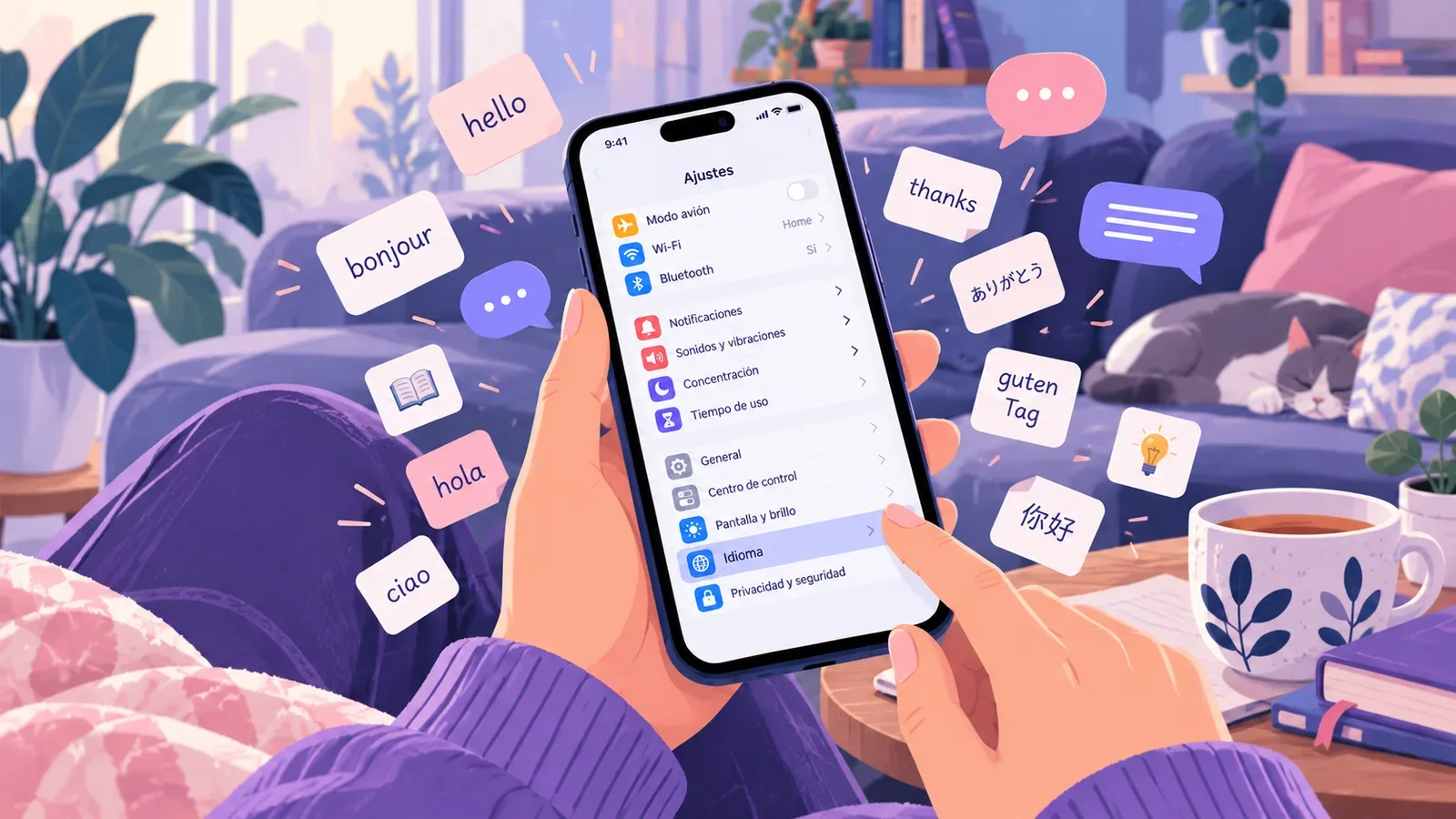
"Switch your phone to Spanish" shows up in almost every list of language-learning hacks. The idea makes sense: you open your phone dozens of times a day, so why not let it teach you a little each time. But people who have tried it report mixed results. Some pick up a couple of hundred words in a month. Others switch back to English after two days because they can't figure out how to turn off the alarm.
Let's look at it honestly: what this trick gives you, what it doesn't, who it suits, and how to switch without regretting it.
What you actually get
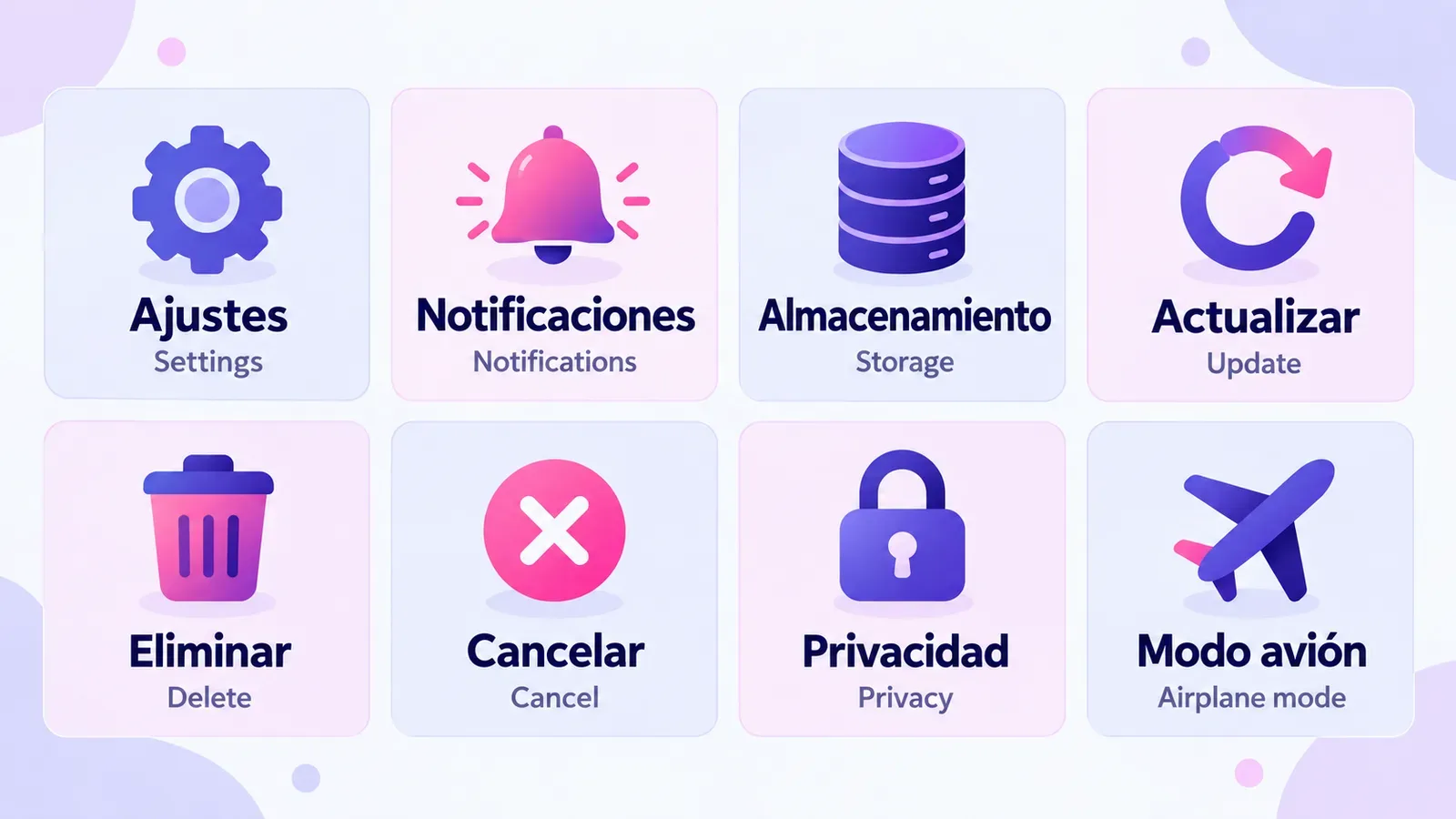
The main advantage is that you already know the interface by heart. You know where the send button is, where the sound settings live and what the trash can icon does. So the words on screen make sense from their position, not from a dictionary: if the button that used to say Delete now says Eliminar, and Cancel now says Cancelar, there is nothing to translate. It's the same way a child learns words: they see the thing and hear its name.
The second advantage is effortless repetition. Words like Ajustes, Notificaciones, Almacenamiento, Disponible and Actualizar come up many times a day. You don't need a review schedule, the phone sets one up for you.
The third advantage is less obvious: the language stops being a "subject." It becomes part of an ordinary day, and that does a lot for motivation. There's more on this in the article on creating a language immersion environment at home, where the phone is just one of the building blocks.
What this trick won't give you
Interface vocabulary is narrow. Add up every label in the settings and system apps and you get a few hundred words, most of which you'll learn in the first weeks. After that, growth nearly stops: you already know Modo avión and Tiempo de uso, and the phone has nothing new to offer.
It's also mostly passive vocabulary. You recognize Almacenamiento on screen, but that doesn't mean you'll recall it when you need to tell someone your phone is out of storage. And words like Fondo de pantalla or No molestar don't come up in conversation very often.
| Gives you | Doesn't give you |
|---|---|
| A couple of hundred common technical words | Steady vocabulary growth after the first month |
| A habit of seeing the language every day | The ability to speak and build sentences |
| Understanding words from context without translating | Vocabulary for everyday topics: food, work, relationships |
| Confidence with an unfamiliar interface when traveling | Systematic review of the hard words |
Who it's for, and who should wait
Go for it if you're at A2 or above: you know the basic words, and the unfamiliar ones on screen can be figured out from context. At this level the switch is barely annoying and the benefit is real.
Wait if you're just starting out. When almost nothing makes sense, the phone turns into a puzzle game, and the important stuff (banking, maps, security settings) becomes scary to touch. Better to learn your first few hundred words and come back to the phone in a couple of months.
Be careful if kids or older relatives use the phone too, or if you often rely on voice navigation in unfamiliar cities. In that case it's easier to switch individual apps rather than everything.
How to switch without regretting it
Start with individual apps, not the whole system
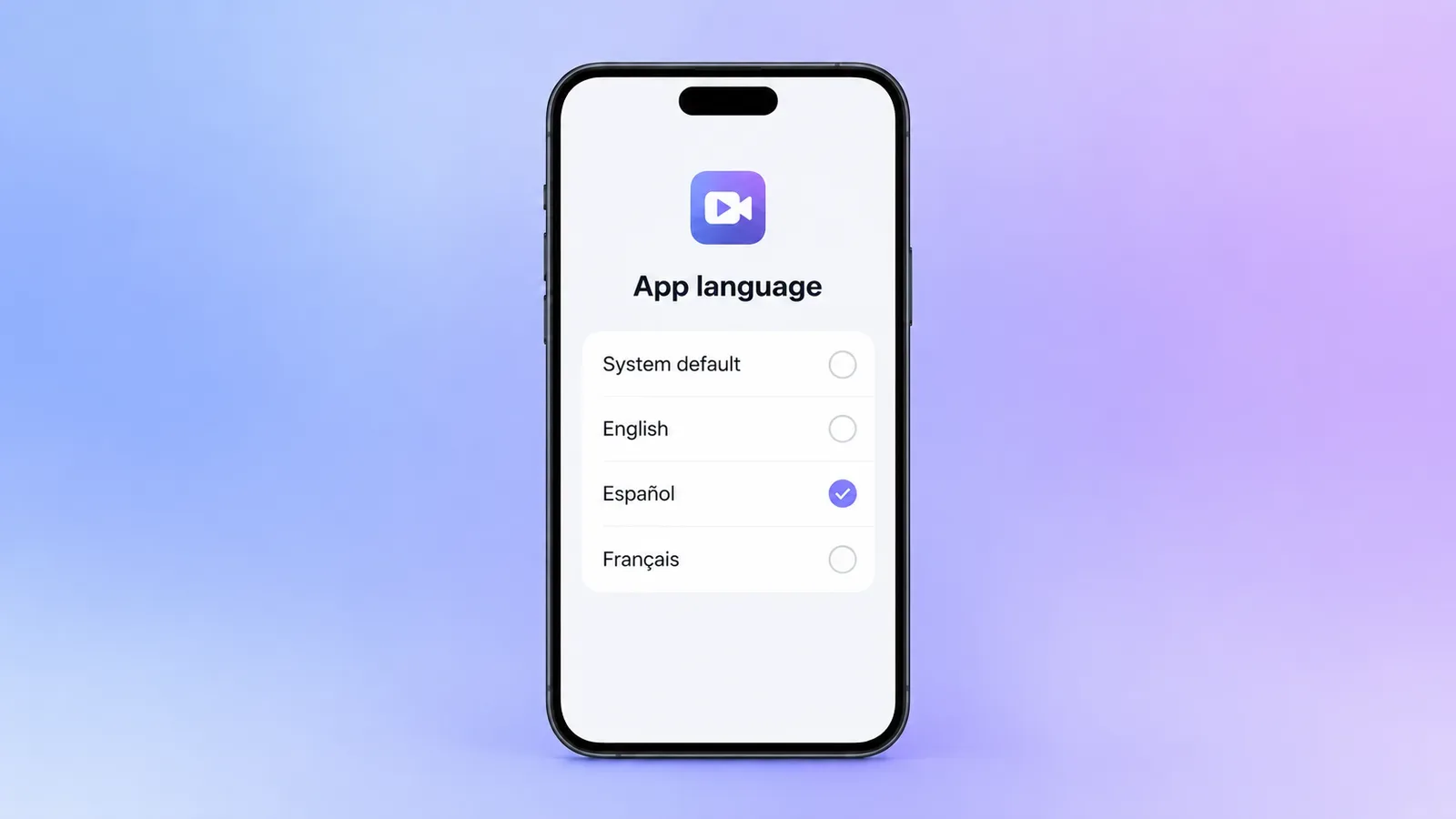
Both iPhone and Android let you change the language of a single app without touching the rest. It's easiest to start with the ones you use for fun: social media, YouTube, games, streaming. Leave your banking app and maps in English for now.
- iPhone: Settings → scroll down to the app → Language. If there's no such option, the app doesn't support choosing a language.
- Android 13 and later: Settings → System → Languages → App languages (the exact names can vary a bit between manufacturers).
Memorize the way back
Before switching the whole system, remember where the language setting is, and ideally take a screenshot of the path. On iPhone it's Ajustes → General → Idioma y región, on Android it's Ajustes → Sistema → Idiomas. Icons don't change, so you'll find the settings gear either way.
Go step by step
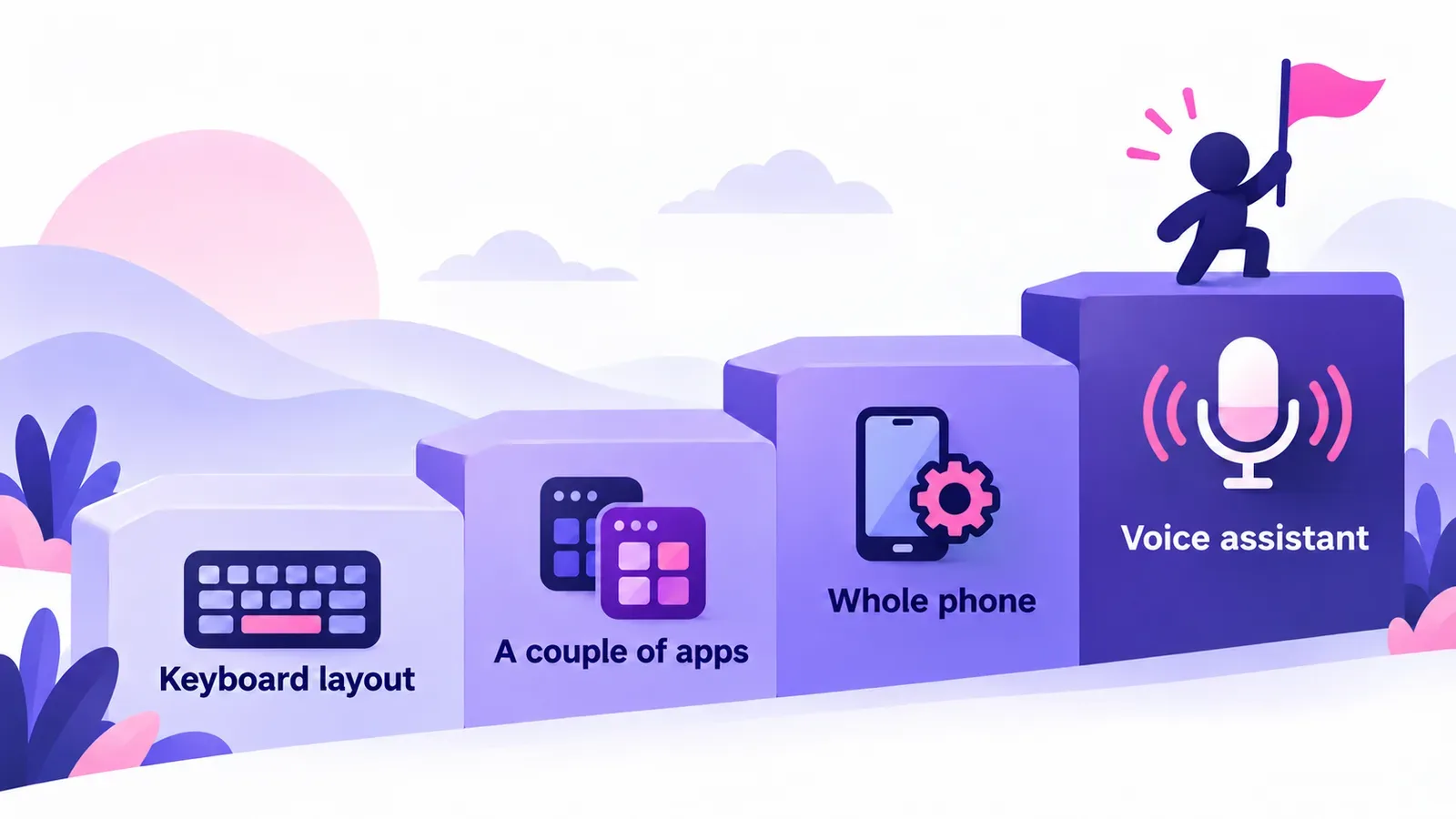
- Add a Spanish keyboard and try writing the occasional note or shopping list in Spanish.
- Switch one or two entertainment apps.
- A couple of weeks later, once that gets boring, switch the whole system.
- The last step is the voice assistant. It makes you speak, and that's already pronunciation practice.
Don't skip unfamiliar words
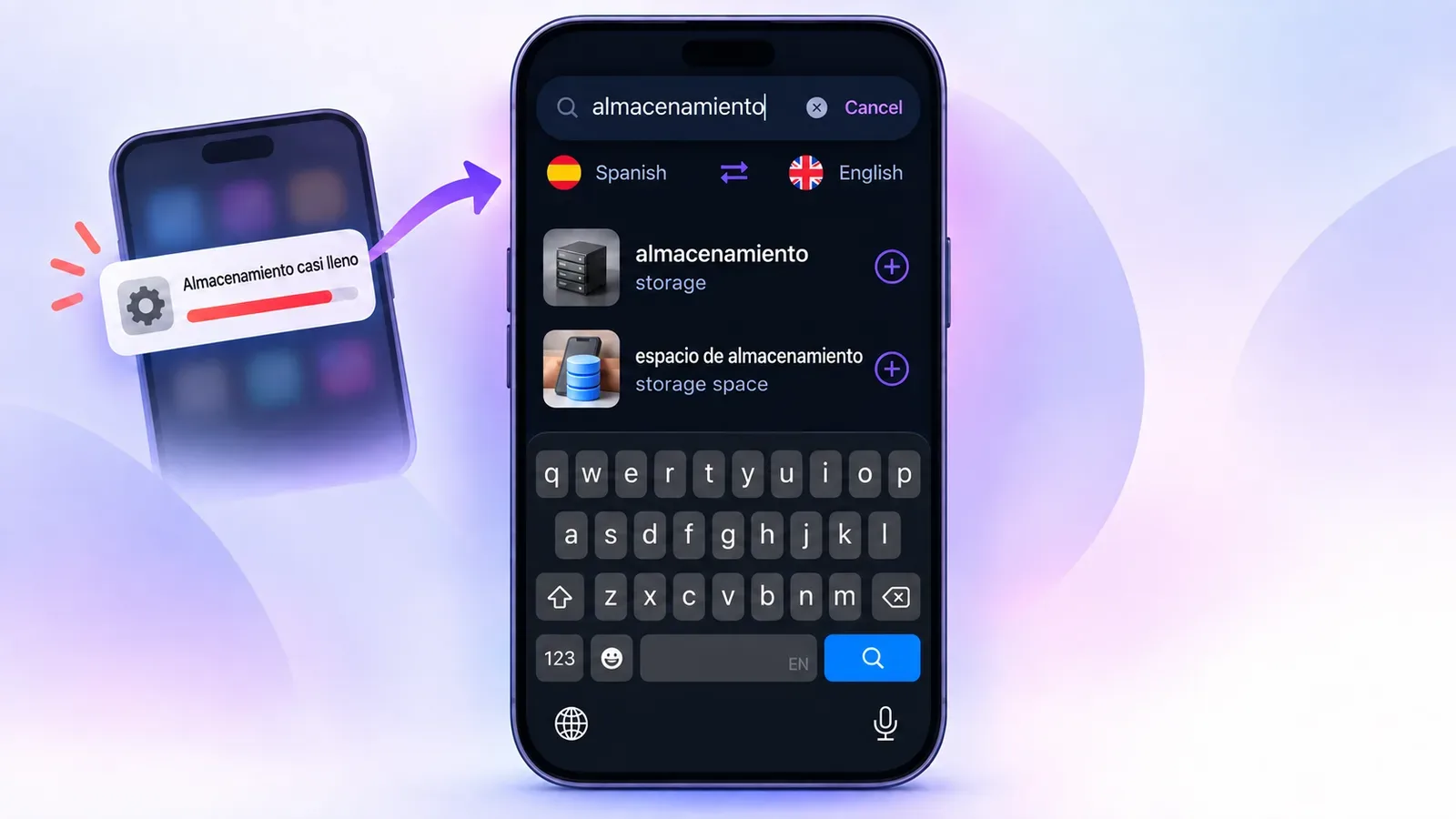
The most common mistake is guessing a word from its position and forgetting it right away. Almacenamiento is clear from context, but a week later all you'll remember is "something about memory." If a word shows up a second time and you're still unsure about it, it's worth saving.
VibeLing is handy for this: type the word into the search, see the translation, transcription, audio and examples, and add it to your word list with one tap. After that the app brings it back for review until it sticks. That way random words from your screen turn into real vocabulary instead of a vague "I've seen that somewhere."
How to get more out of your phone than a set of labels
A switched interface is a good start, but the vocabulary it gives you hits a ceiling fast. To keep growing, add content to the same phone that has more words and more variety:
- follow creators and channels in the language you're learning, so your feed serves up short texts and videos on its own;
- podcasts on your walks instead of English-language ones;
- news or articles on your topic where only a few words are unfamiliar (more on this approach in the article on comprehensible input);
- five minutes a day reviewing the words you've saved.
The bottom line
Switching your phone to the language you're learning is worth it if you already know the basics and treat it as a small bonus rather than your main method. It works best alongside a system that keeps words from slipping away: you see an unfamiliar word, save it, review it. That part is easiest to hand off to an app. Give VibeLing a try, and the words on your phone screen will start to stay with you.